2. When "[Detect paper width] is disabled. Do you want to keep it disabled and2.
continue?" appears on touch screen, tap Keep it disabled and continue.
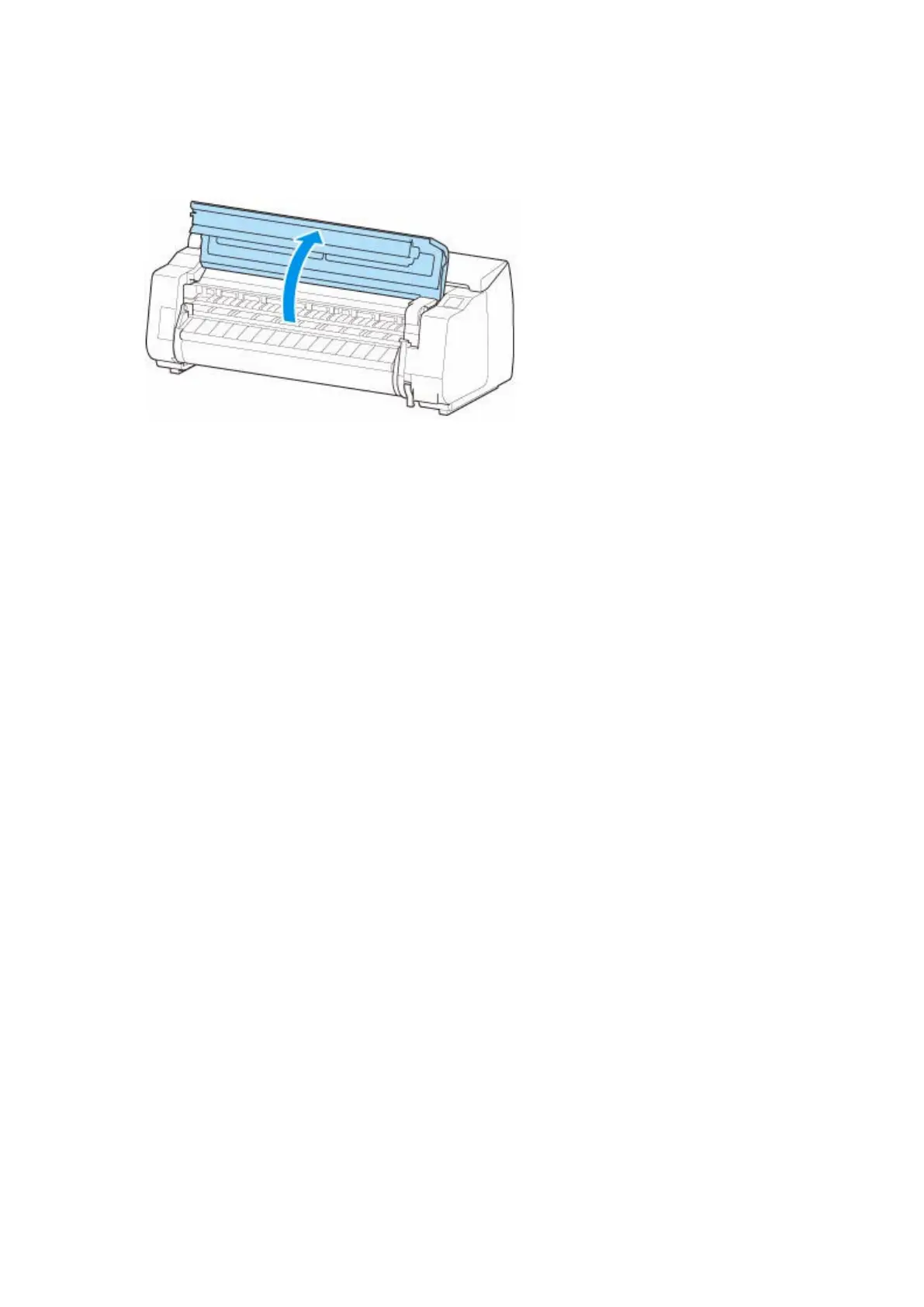
3. Open top cover and check position where paper is loaded.3.
To start printing from the current position, close the top cover.
To reposition the paper, lift the release lever.
158












 To Next Page