Turning the Printer On and Off
Turning the printer on
1.
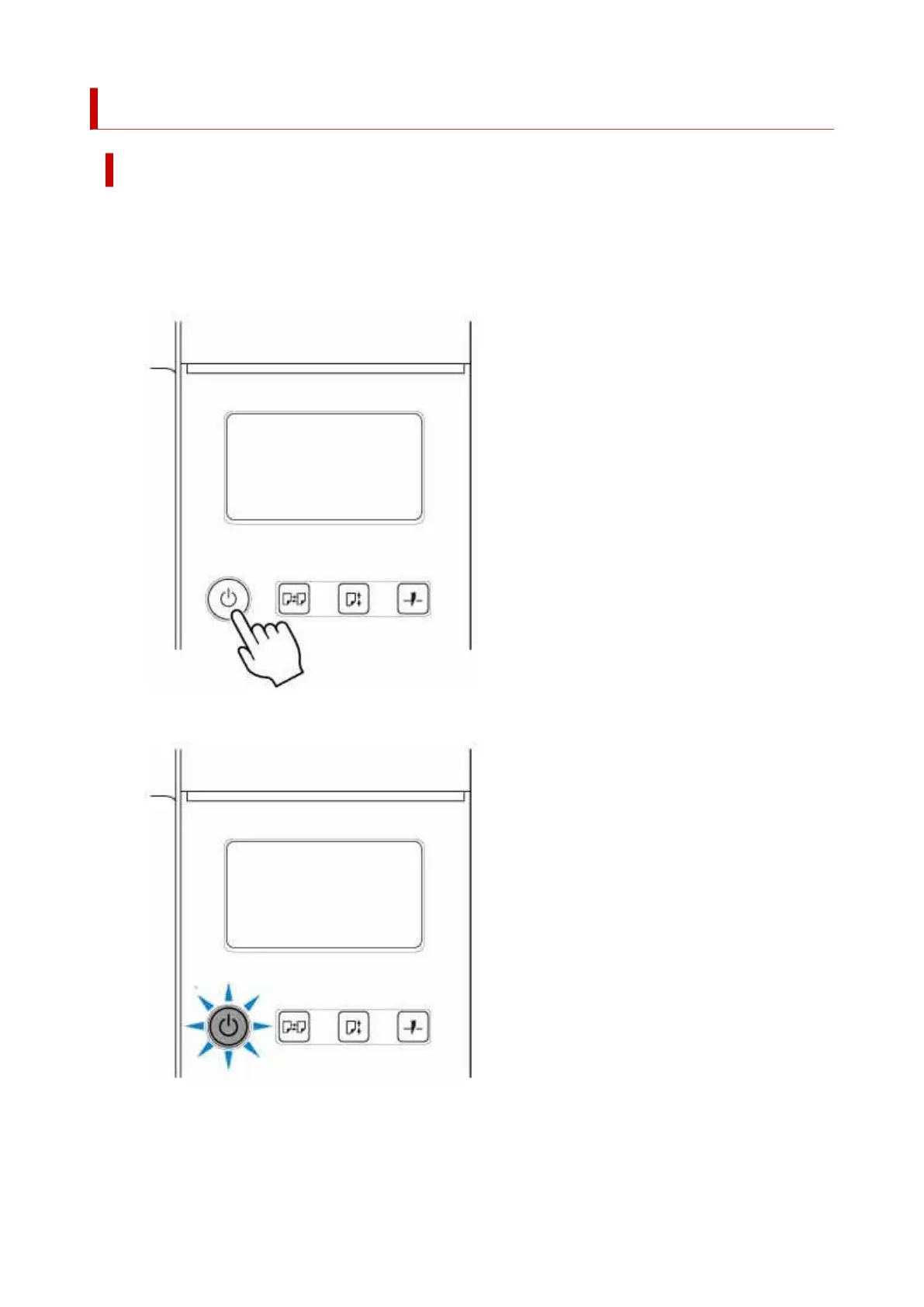
Press ON button to turn on printer.
1.
The printer will now start up.
The Canon logo appears on the touch screen, and then "Starting the system Please wait." appears.
When startup is finished, ON button lights up, and printer enters standby mode.
65












 To Next Page