Specifying the Paper Length
When changing the length of paper after the paper has been advanced, specify the length as follows.
Note
• Specify the roll paper length when you have set Manage remaining roll amount to Barcodes. (See•
"Keeping Track of the Amount of Roll Paper Left.")
1.
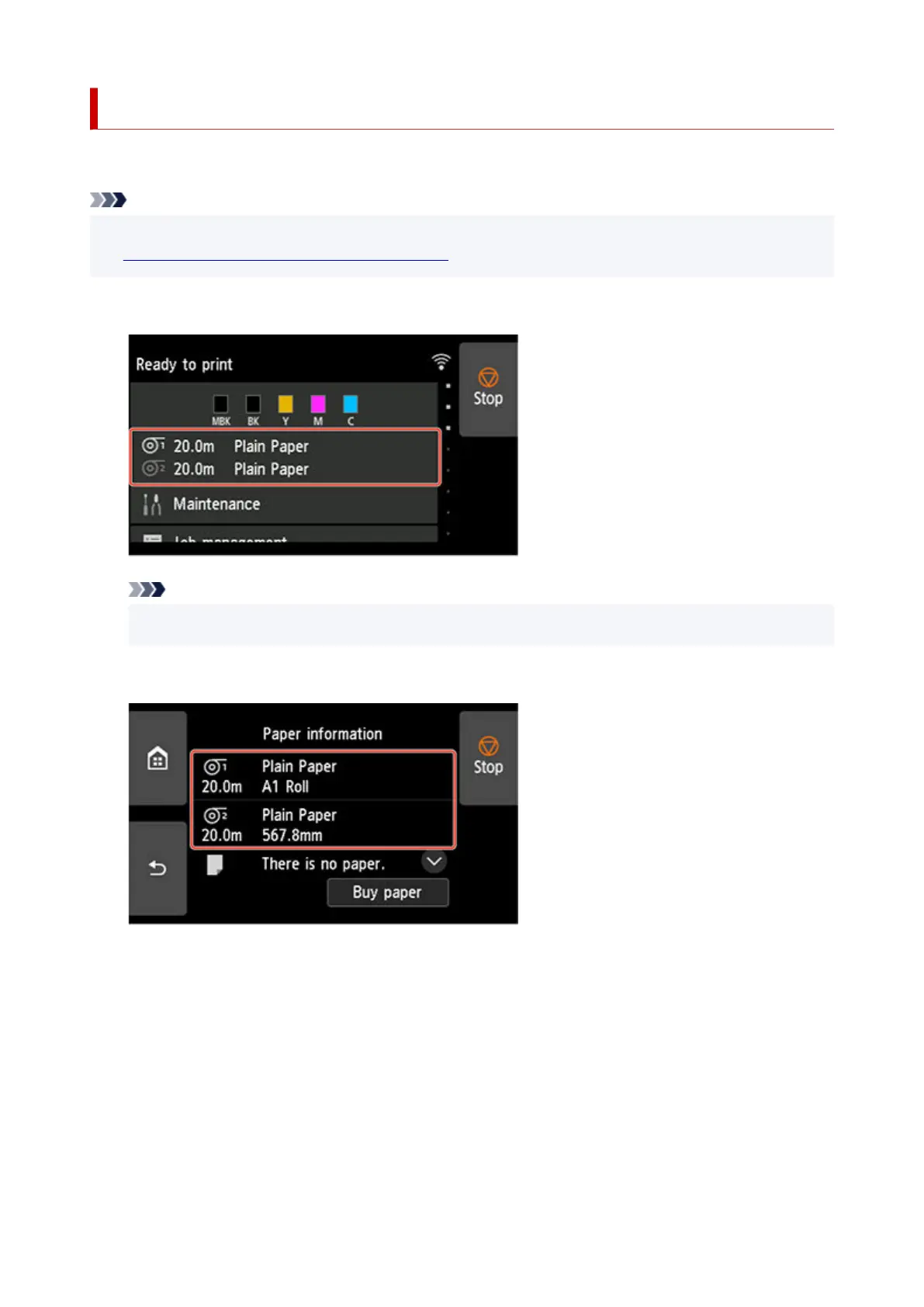
Tap paper settings display area on Home screen of touch screen.
1.
Note
•
If the Home screen does not appear, tap the HOME button.
•
2. Tap paper feed slot where paper whose length you want to change is loaded.2.
3.
Tap Paper settings.
3.
115












 To Next Page