Printing Hanging and Horizontal Banners (Large-Format
Printing)
A drapery or banner up to 18.0m can be made by enlarging or reducing original documents made on
application software.
However, there are cases in which an 18.0 meter banner cannot be printed because the application
software used has limits on the document size that can be set.
The procedure for printing hanging and horizontal banners is as follows:
1.
Register custom paper size
1.
From Paper Size, use Manage Custom Sizes... to register the paper size that you want to use.
2.
Select the paper size
2.
In the Print dialog, select a registered custom paper size from the Paper Size list.
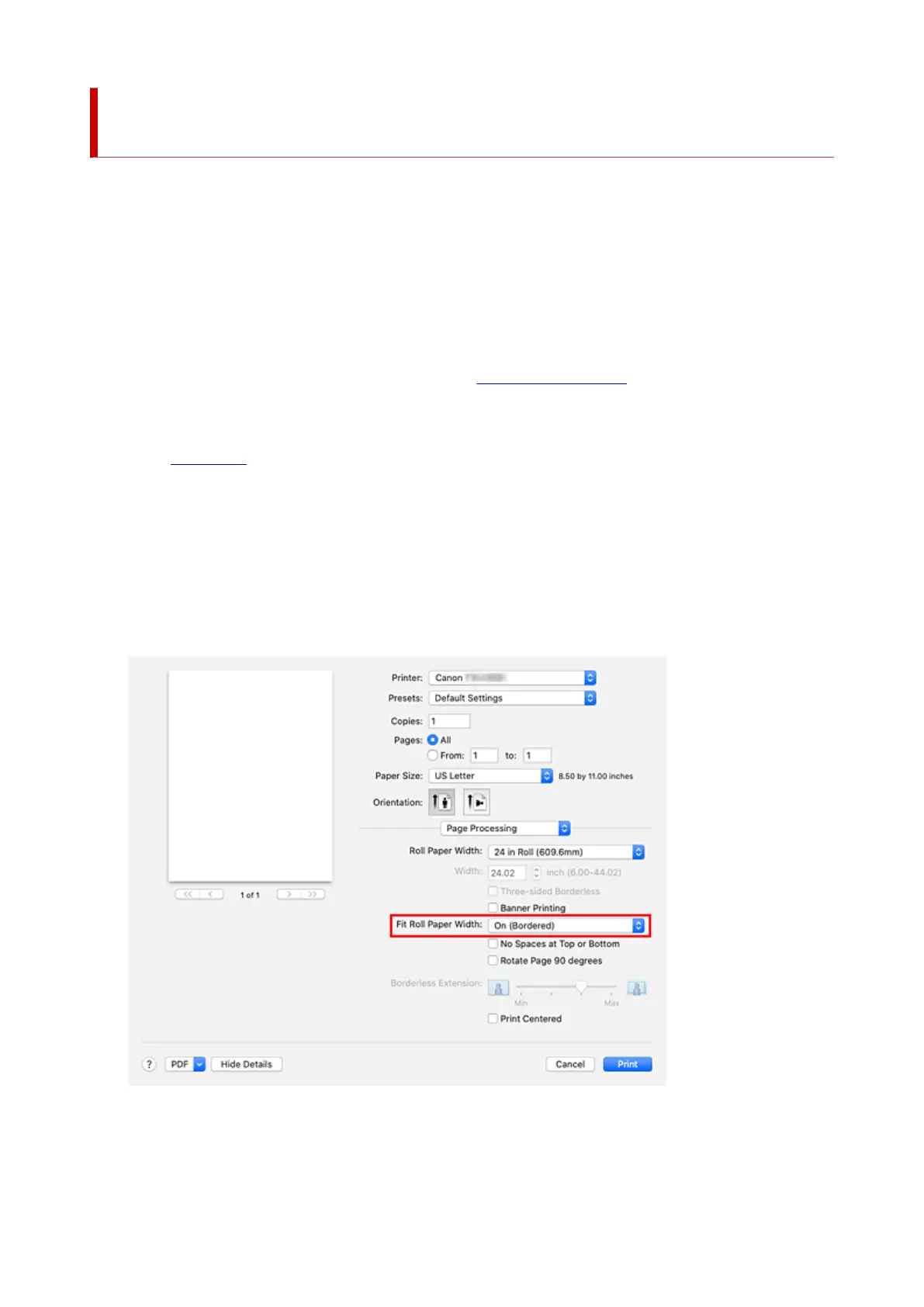
3. Select Page Processing from the pop-up menu3.
4. Select roll paper width4.
Set Roll Paper Width to the width of the roll paper loaded in the printer.
5. Selecting On (Bordered) or On (Borderless) for Fit Roll Paper Width5.
620












 To Next Page