Save paper
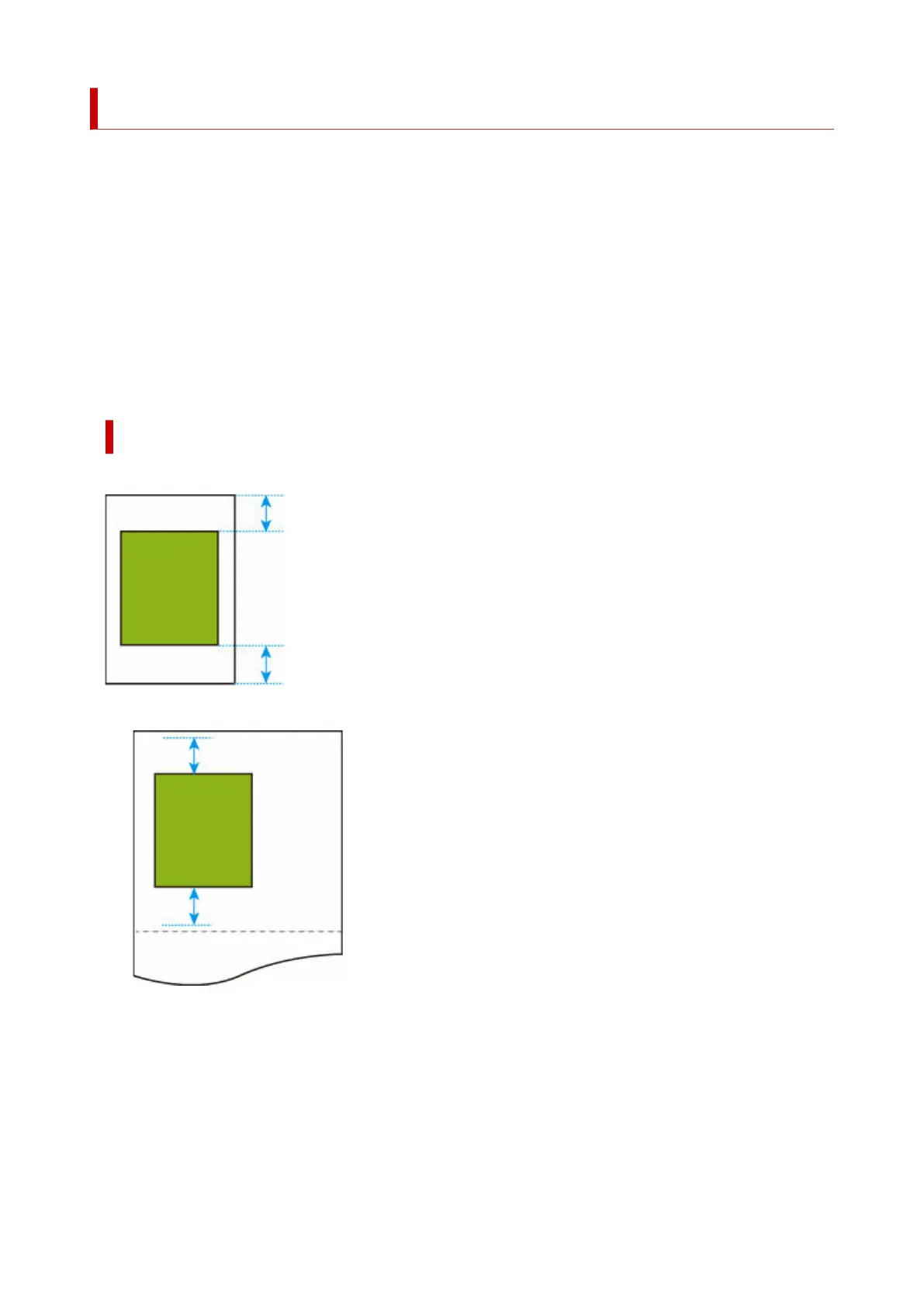
When printing on roll paper, eliminates blank space (margins) above and/or below the image (if there is any)
to save paper.
This setting item is displayed by tapping in the following order.
Printer settings > Print settings > HP-GL/2 print settings > Paper settings
• ON•
Blank space above and below the image is eliminated when printing.
• OFF (Initial setting)•
Paper is not saved.
SAVE PAPER SETTING EXAMPLES
Print data (image drawing range)
• When OFF is selected:•
• When ON is selected:•
284












 To Next Page