Print centered
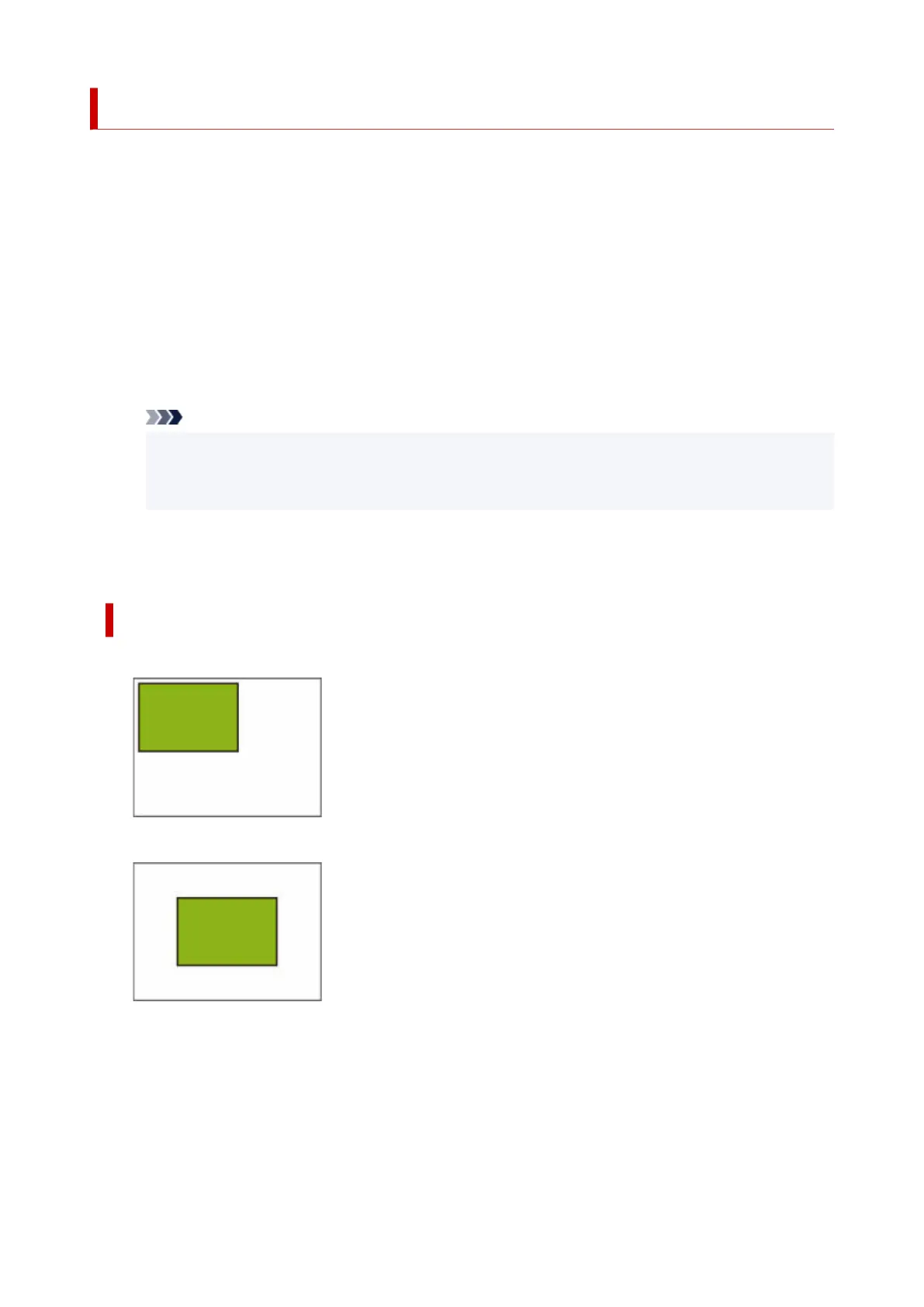
Prints the output object area in the center of the paper.
This setting item is displayed by tapping in the following order.
Printer settings > Print settings > HP-GL/2 print settings > Paper settings
• ON•
◦ For cut sheet paper◦
Prints the output object area in the center of the paper.
◦ For roll paper◦
Prints the output object area in the horizontal center of the paper.
Note
• The output object area is not printed in the center when the paper size is smaller than the
output page size.
• Nesting cannot be performed while ON is selected.
• OFF (Initial setting)•
The output object area is not printed in the center of the paper.
PRINT CENTERED EXAMPLES
• OFF is selected when printing on sheet•
• ON is selected when printing on sheet•
• OFF is selected when printing on roll•
292












 To Next Page