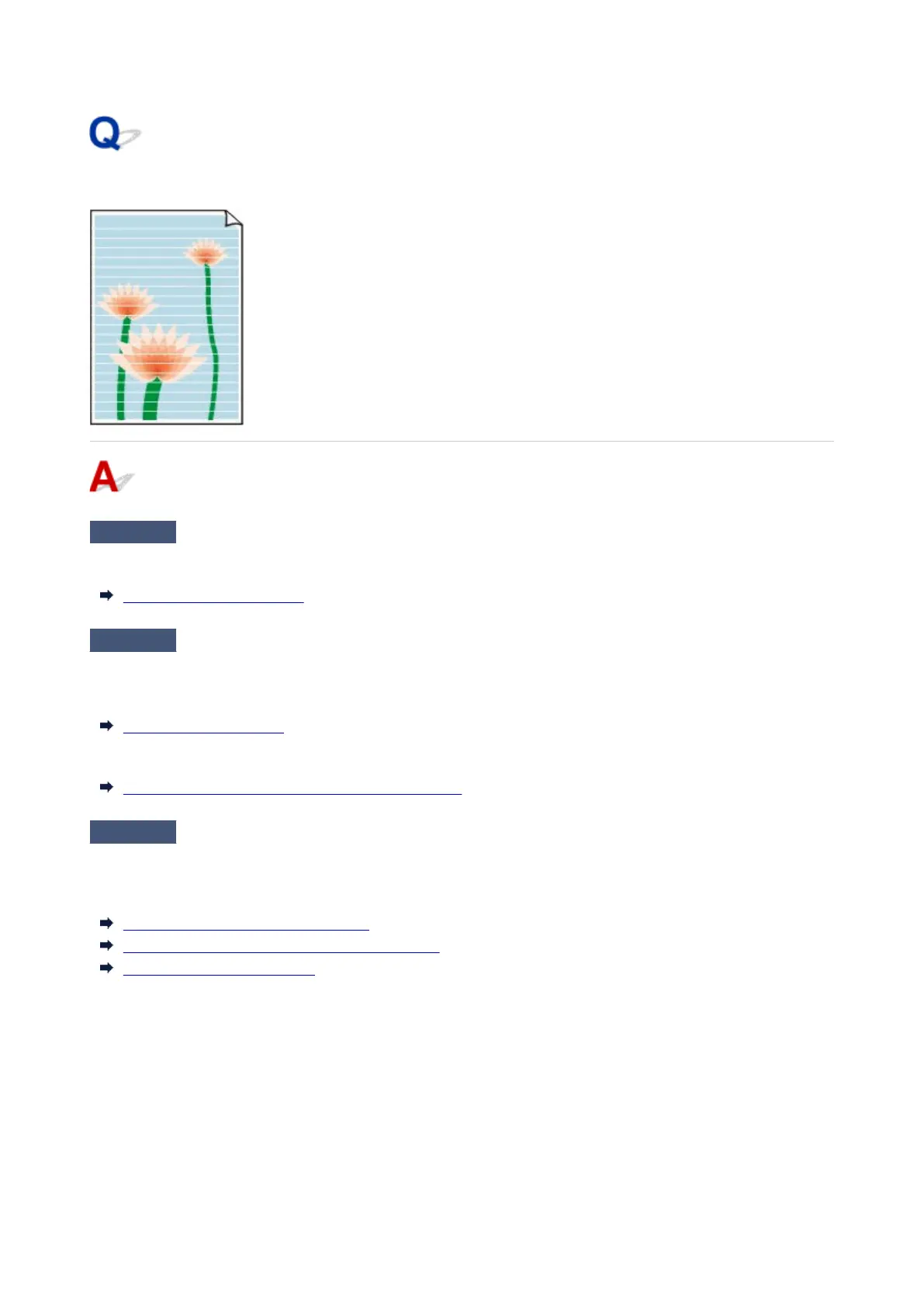
Image edges are blurred or white banding occurs
Check 1
Paper may be gripped too strongly over the platen.
Set a lower Transport unit vacuum strength in the touch screen menu.
Adjusting Vacuum Strength
Check 2
Check if the Print head is in the right position.
For detailed printing of small text or fine lines on glossy or semi-gloss photo paper or proof paper, etc., set the
Print head to the optimal height and then adjust the position of the Print head.
Adjusting the Print Head
Setting a lower value for Paper thickness (head height) in the touch screen menu may resolve the problem.
Troubleshooting Paper Abrasion and Blurry Images
Check 3
Is the media type specified in the printer driver the same as the media type
loaded in the printer?
When printing with the media type specified in the printer driver, load the specified media type in the printer.
Loading the Upper Roll on the Printer
Loading the Lower Roll on the Roll Unit (Option)
Loading Sheets in the Printer
When printing with the media type specified in the printer driver, load the specified media type in the printer.
1. To stop printing, tap Stop.1.
2. Change the paper type in the printer driver and try printing again.2.
806












 To Next Page