Removing Sheets
Remove sheets from the printer as follows.
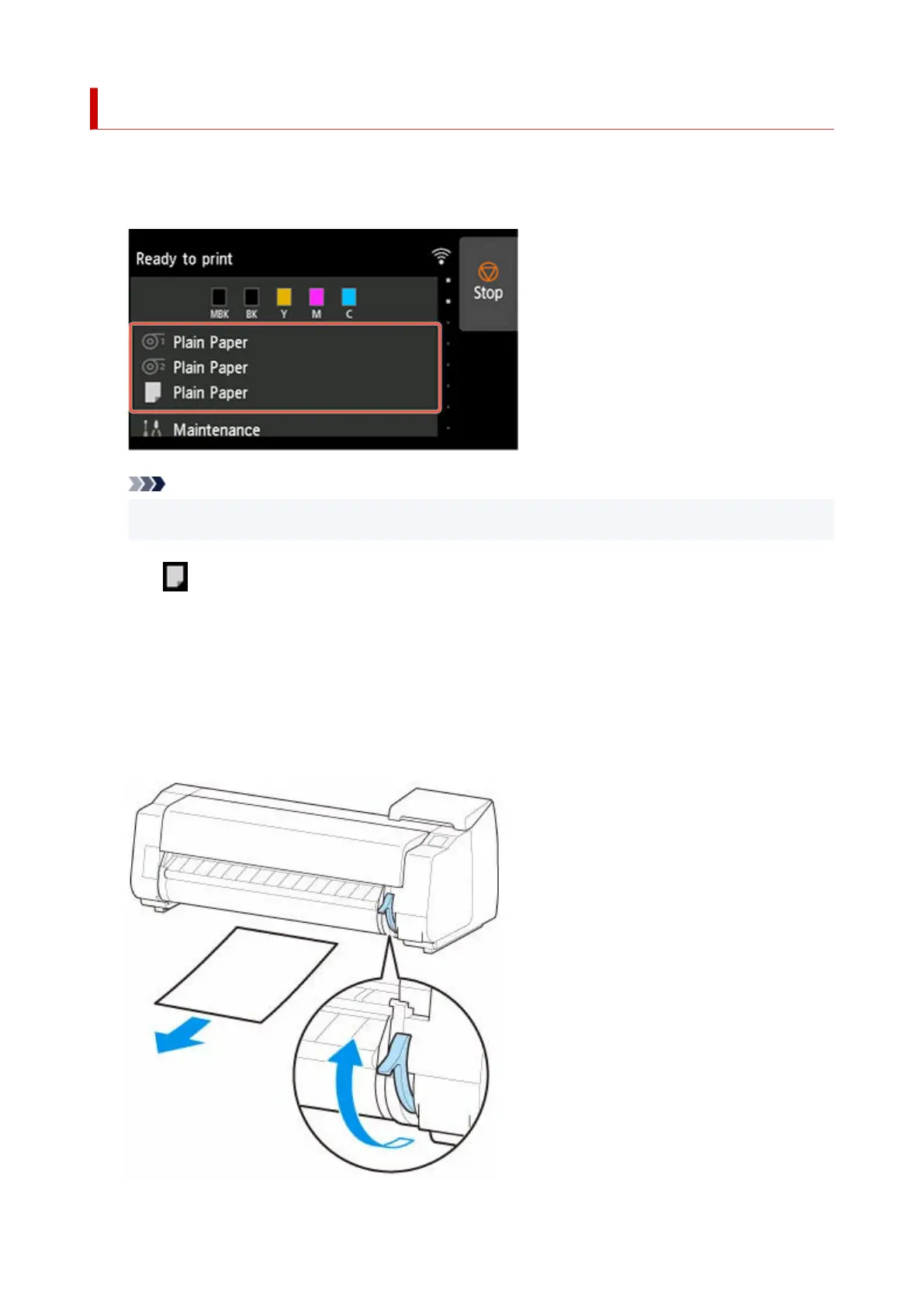
1. Tap paper settings display area on Home screen of touch screen.1.
Note
•
If the Home screen does not appear, tap the HOME button.
•
2. Tap area.2.
3. Tap Remove paper.3.
4. Check touch screen message and tap Yes.4.
5. When instructions for removing sheet appear on touch screen, lift release lever while5.
holding sheet, and remove sheet.
161












 To Next Page