Specifying the Ink Drying Time for Rolls
When you are using paper that takes longer for ink to adhere, ink may be transferred onto the paper surface
during ejection, soiling it. In that case, you may be able to improve the condition by setting the time to wait
for the ink to dry after printing.
Note
• If the Cutter touches the print surface on which the ink is not dry, the paper surface may become•
scratched or soiled, or the paper surface may rub when the paper falls and the surface may become
soiled.
To wait for the ink to dry without allowing printed materials to fall after printing, set Cutting mode on the
printer menu to Eject cut. (See "Specifying the Cutting Method for Rolls.")
Set on the Printer Side
Set with the touch screen of the printer.
In addition to Pause between scans and Pause between pages, which you can set in the printer driver,
You can set the Pause on last page take-up and Pause timing priority when you use the Roll unit as a
Take-up mode.
1.
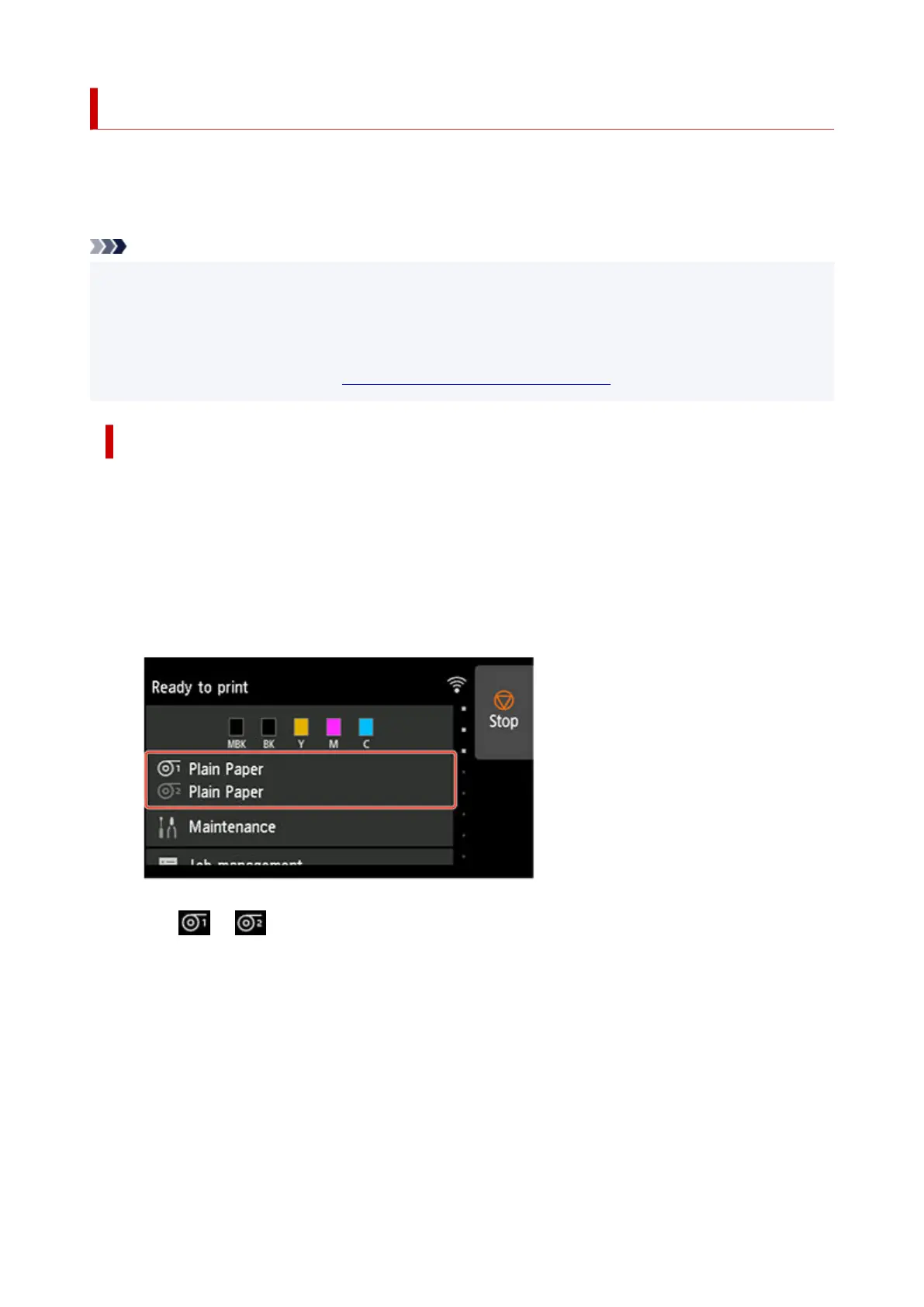
Tap paper settings display area on Home screen of touch screen.
1.
The Paper settings screen appears.
2.
Tap or area.
2.
The Roll paper 1 or Roll paper 2 screen appears.
133












 To Next Page