Checking Layout in Preview before Printing
You can display and check the print result before printing.
The procedure for displaying the print result before printing is as follows:
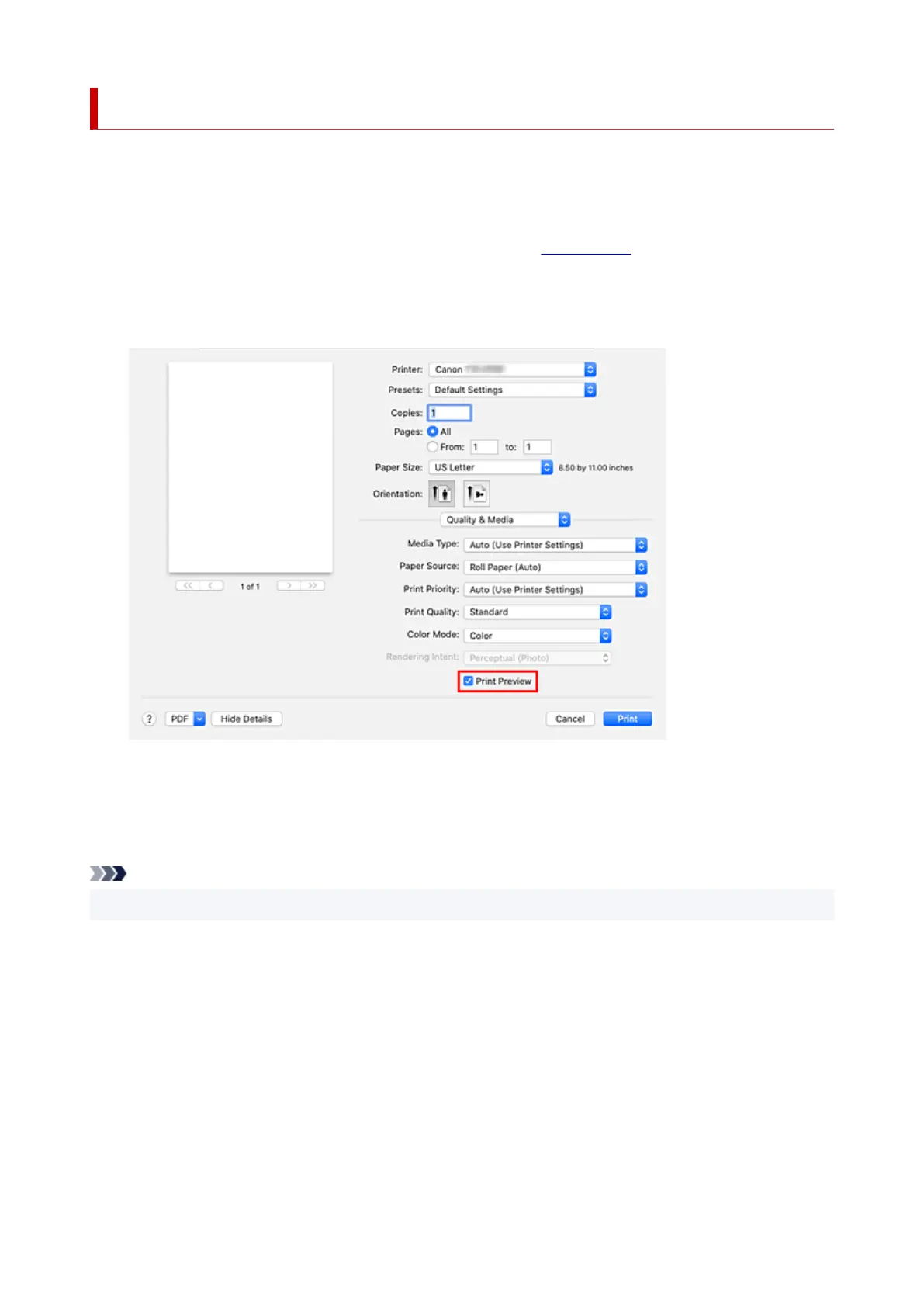
1. Select Quality & Media from the pop-up menu of the Print Dialog1.
2.
Select Print Preview
2.
Select the Print Preview check box.
3.
Complete the setup
3.
Click Print.
When executing printing, start up Canon imagePROGRAF Preview to display the print results.
Note
• The printing results can be displayed even when selecting Canon imagePROGRAF Preview from PDF.
664












 To Next Page