Adjusting Vacuum Strength
When printing on heavyweight paper or paper that curls or wrinkles easily, if the Print head rubs against
paper, adjusting the level of suction against paper on the platen may improve results.
Important
• Paper rubbing against or becoming caught on the Print head may jam or result in printed documents
that are soiled.
1.
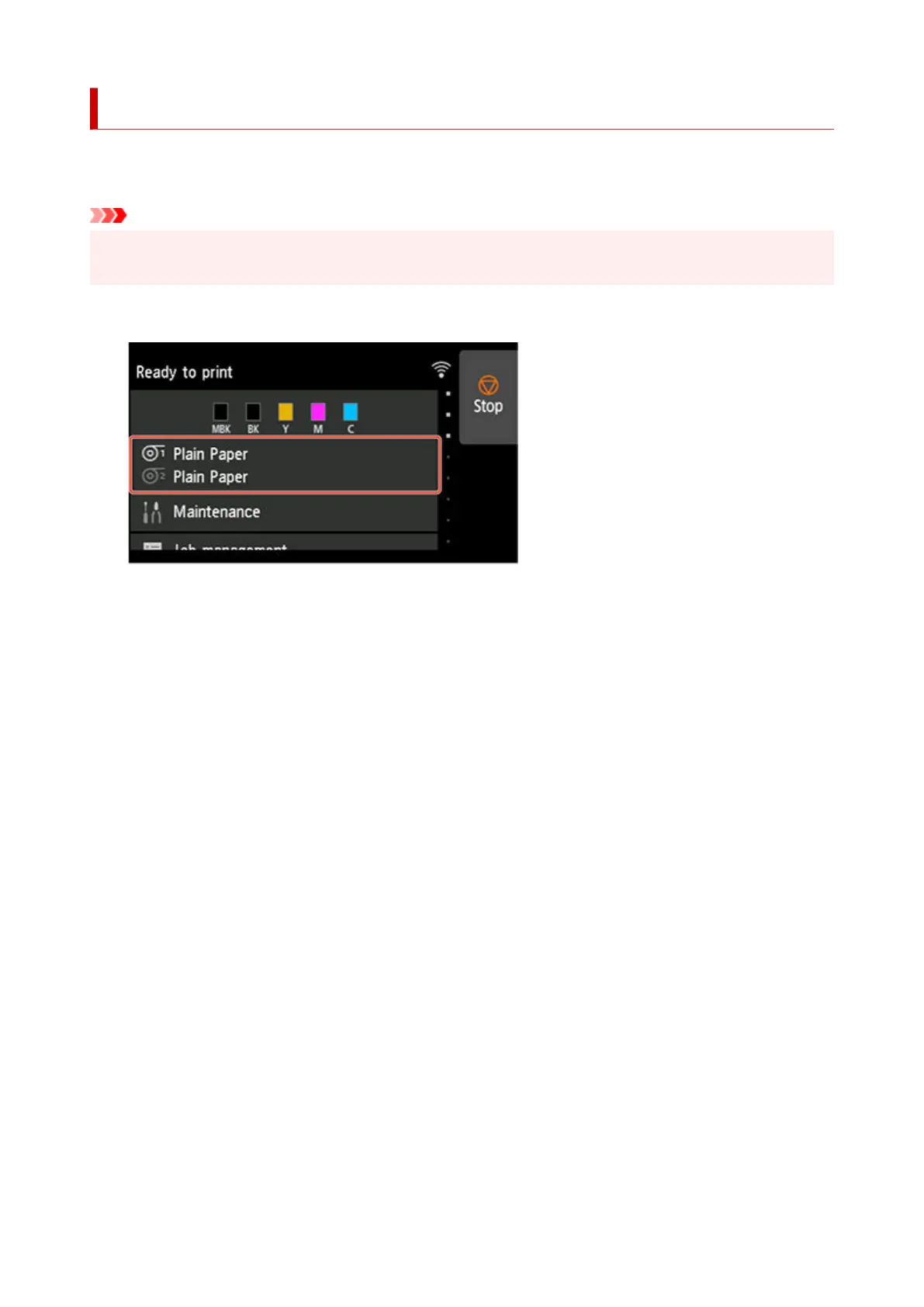
On the HOME screen, tap paper information area.
1.
2. Select paper source and tap Paper settings.2.
3. Tap Advanced.3.
4. Tap Transport unit vacuum strength.4.
5.
Tap vacuum strength.
5.
440












 To Next Page