Printing Pending Jobs
If the type or size of paper loaded does not match the settings in the print job received when you have set
Detect paper setting mismatch to Hold job in the operation panel, the print job is held on the printer as a
pending job in the job queue.
To print held jobs, replace the loaded paper with the paper specified in the print job.
Loading the Upper Roll on the Printer
Loading the Lower Roll on the Roll Unit (Option)
Loading Sheets in the Printer
This operation is available using the operation panel or Remote UI.
Using Operation Panel
Using Remote UI
Note
• As long as you do not manage held jobs from the operation panel, they will remain in the job queue. In
this case, the printer processes the next job in the queue without pausing.
Using Operation Panel
1. Flick HOME screen and tap Job management.1.
Home Screen Menu Composition
2.
Tap Print job.
2.
3.
In the list, tap print job with icon on the left.
3.
4.
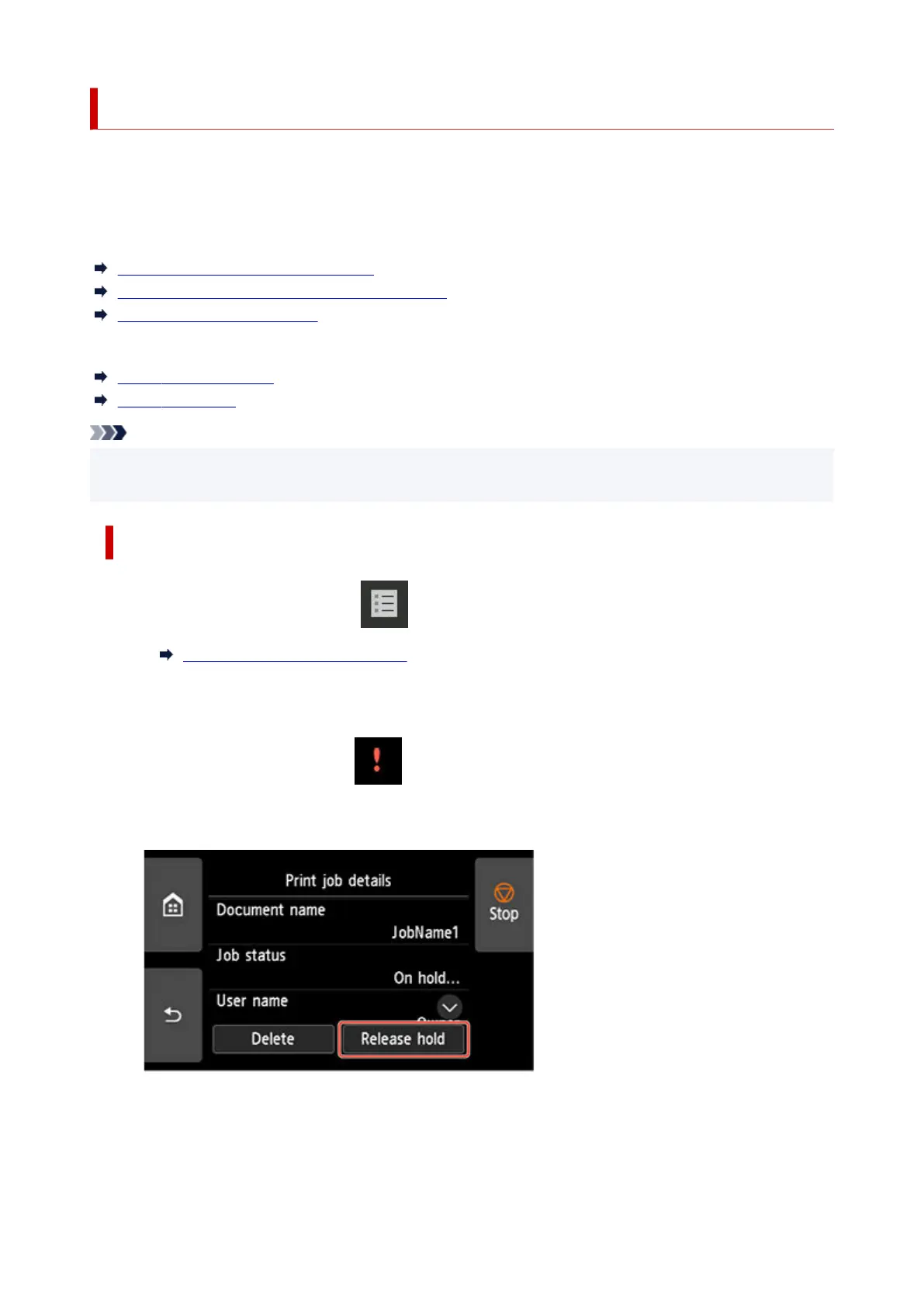
Tap Release hold.
4.
5.
Confirm displayed message and tap Yes.
5.
714












 To Next Page