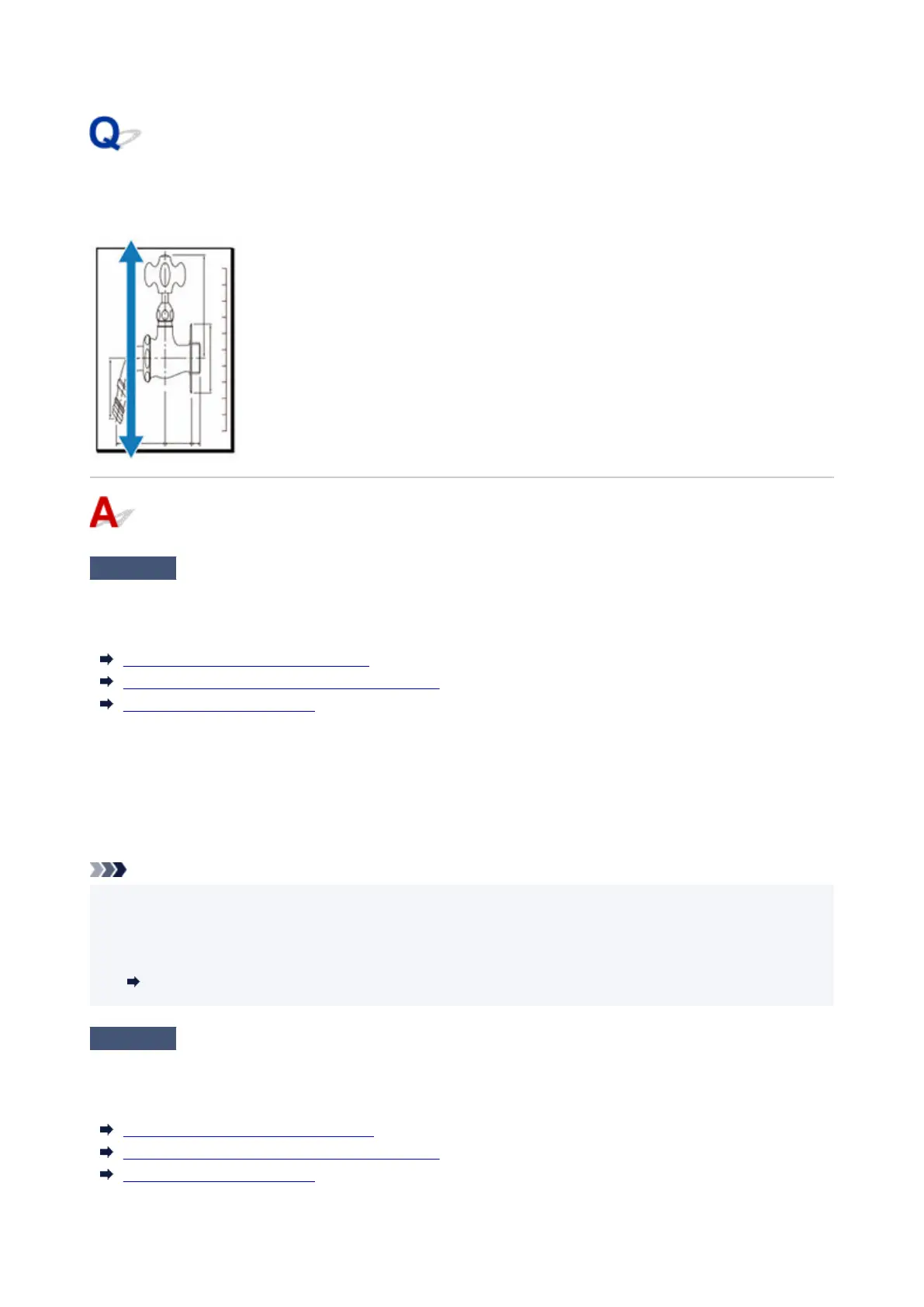
The length of the printed image in the paper ejection direction is
not accurate
Check 1
Is the media type specified in the printer driver the same as the media type
loaded in the printer?
When printing with the media type specified in the printer driver, load the specified media type in the printer.
Loading the Upper Roll on the Printer
Loading the Lower Roll on the Roll Unit (Option)
Loading Sheets in the Printer
When printing with the media type specified in the printer driver, load the specified media type in the printer.
1.
To stop printing, tap Stop.
1.
2.
Change the paper type in the printer driver and try printing again.
2.
Note
•
When Auto (Use Printer Settings) is selected for the media type, printing is performed with the media
•
type loaded in the printer.
• Click Get Information to reflect the paper information set in the printer to the printer driver.•
Printing with Easy Setup
Check 2
When loading paper in the printer, is the media loaded the same as the media
type selected on the touch screen?
Select the correct media type in the touch screen menu when loading paper in the printer.
Loading the Upper Roll on the Printer(
Loading the Lower Roll on the Roll Unit (Option)
Loading Sheets in the Printer
808












 To Next Page