Set a Custom Size Roll Width
By specifying the roll paper width with a value, you can use roll paper with a width that cannot be selected in
Roll Paper Width.
The procedure for setting custom size roll width is described below.
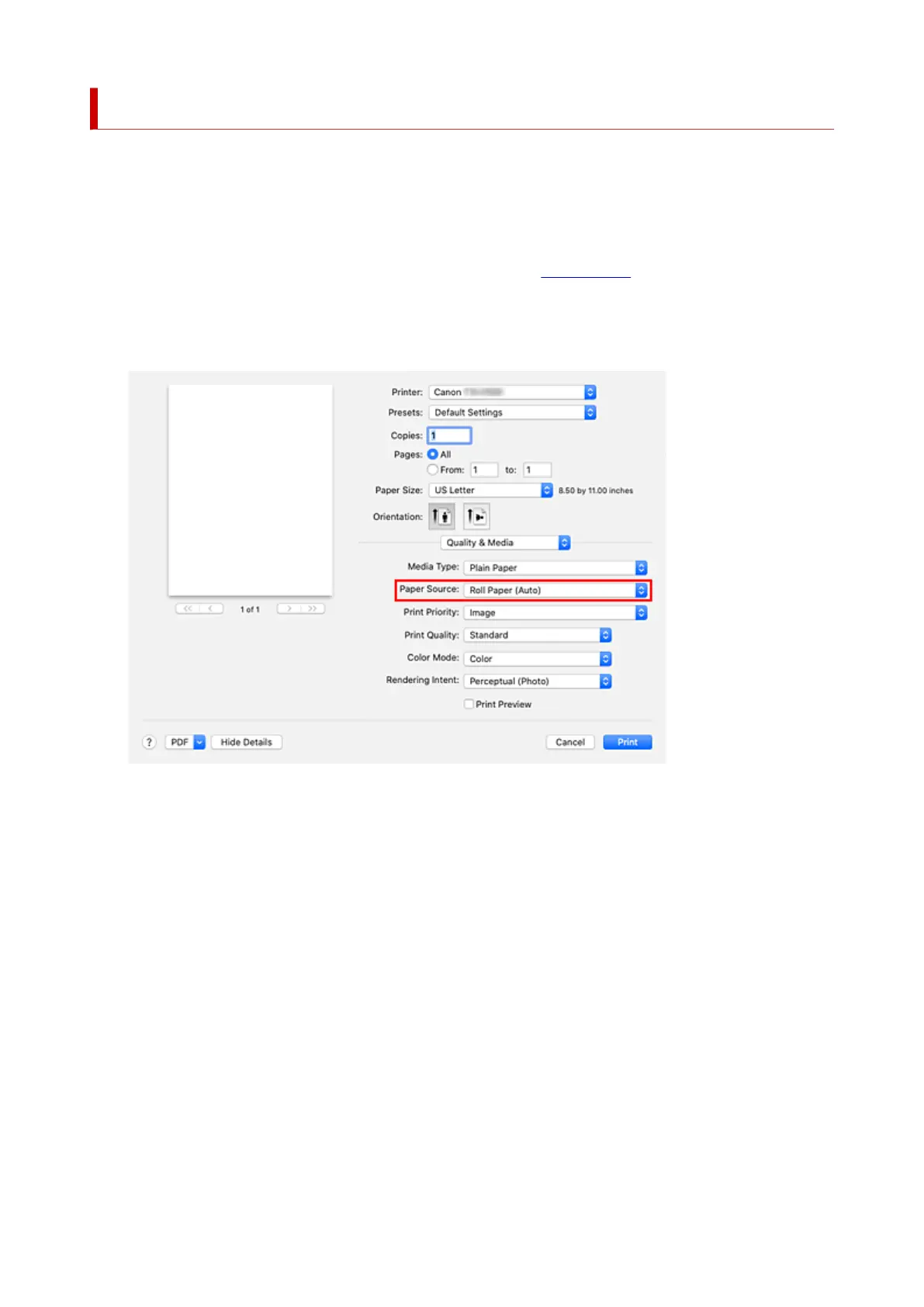
1. Select Quality & Media from the pop-up menu of the Print Dialog1.
2.
Select the paper source
2.
Select Roll Paper (Auto), Roll 1, or Roll 2 that matches your purpose for Paper Source.
3.
Select Page Processing from the pop-up menu
3.
603












 To Next Page