Printing with Easy Setup
The simple setup procedure for carrying out appropriate printing on this printer is as follows:
1. Check that printer is turned on1.
2.
Load paper on the printer
2.
Set roll paper or cut paper.
3.
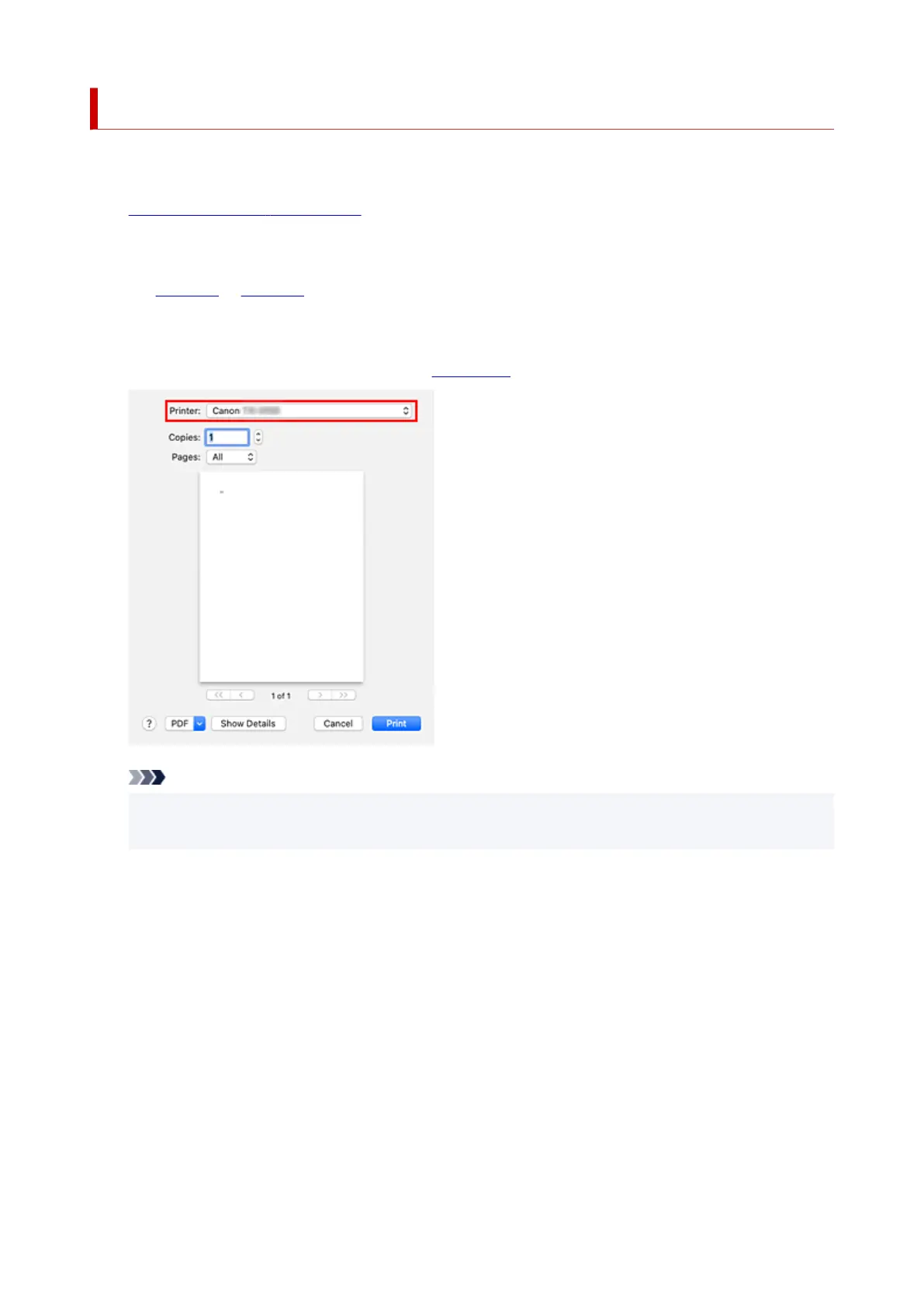
Select the printer
3.
Select your model from the Printer list in the Print Dialog.
Note
• Click Show Details to switch the Setup window to the detailed display.
However, depending on the application you are using, Show Details may not be displayed.
4.
Select the paper size
4.
For Paper Size, select the paper size to be used.
If necessary, set the number of copies, the pages to be printed, and the orientation.
557












 To Next Page