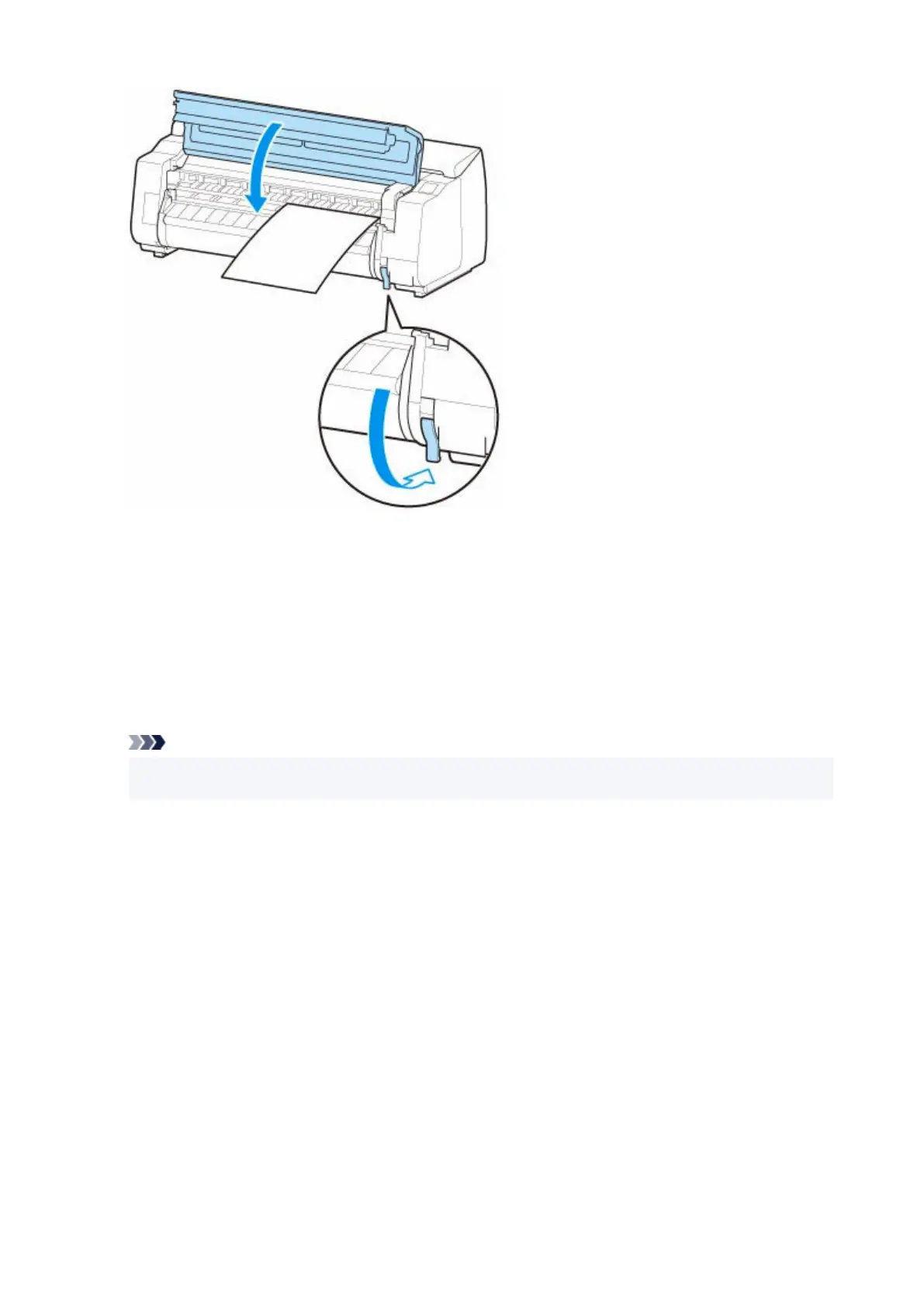
•
If a print job was received•
Tap OK to feed the paper and begin printing.
• If no print job was received•
A menu for selecting the media type appears.
Select the media type loaded and tap OK.
The printer now starts feeding the paper.
Note
•
For details on media types that you can select, see "Paper Information List."
•
156












 To Next Page