•
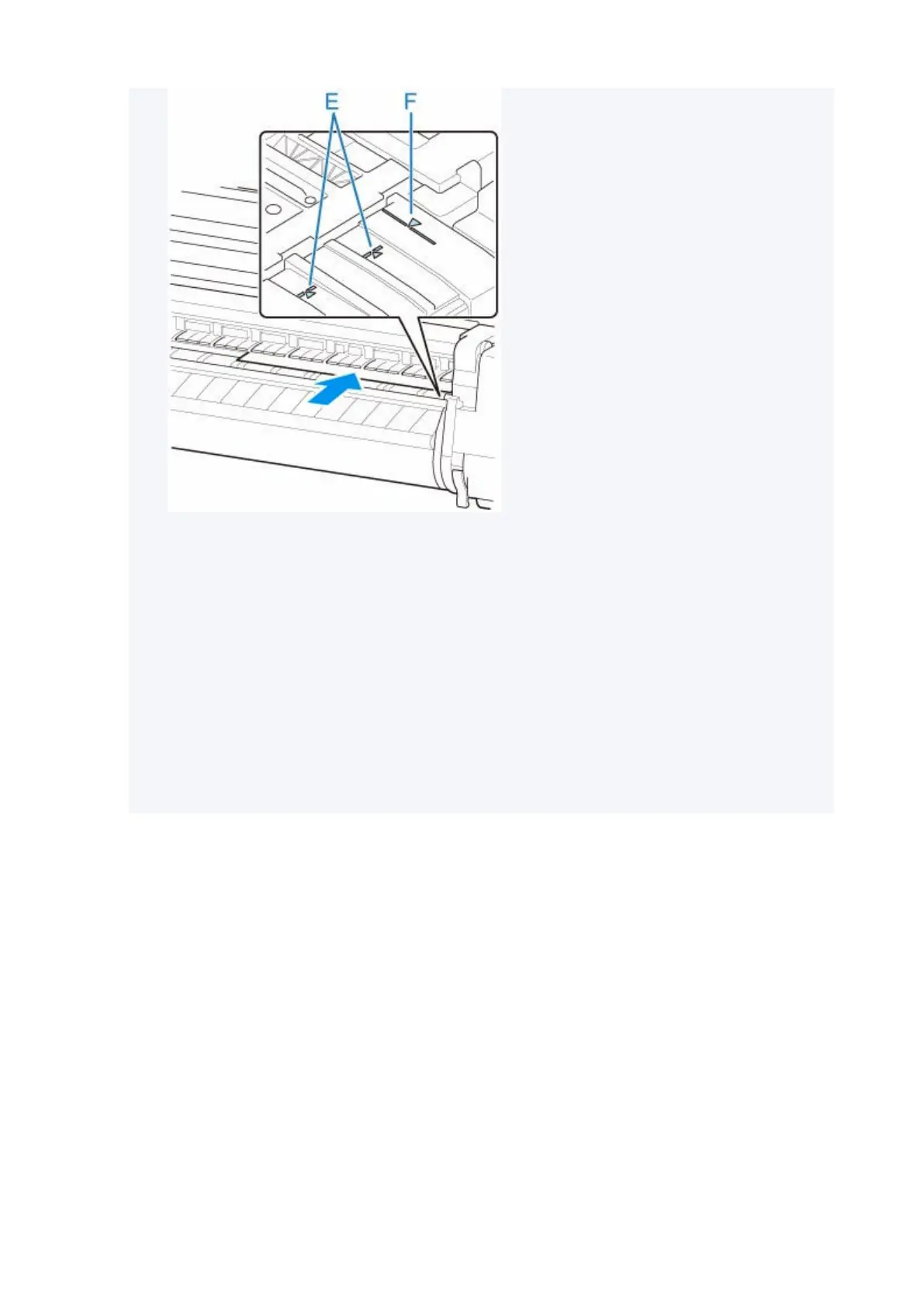
You can adjust the vacuum strength holding the paper against the platen when the release lever•
is up. If it is difficult to load the paper, tap Suction on the touch screen and adjust the vacuum
strength. You can adjust the vacuum strength to 5 levels.
However, even if you increase the suction, it may not be sufficient to hold some types of paper
against the platen well. In this case, use your hand to load the paper.
•
Sheets are held in place by suction through holes on the platen. Although the suction may
•
produce a noise when paper is loaded in some positions, it does not indicate a problem. If the
noise is distracting, try moving the paper over slightly to the left or right (up to 0.04 inch (1 mm))
while keeping it parallel to the paper alignment line.
• The suction remains on for about 30 seconds during loading. If you cannot finish loading a sheet•
during this time, pull the sheet away and reinsert it to start the suction again.
4.
Lower release lever and close top cover.
4.
155












 To Next Page