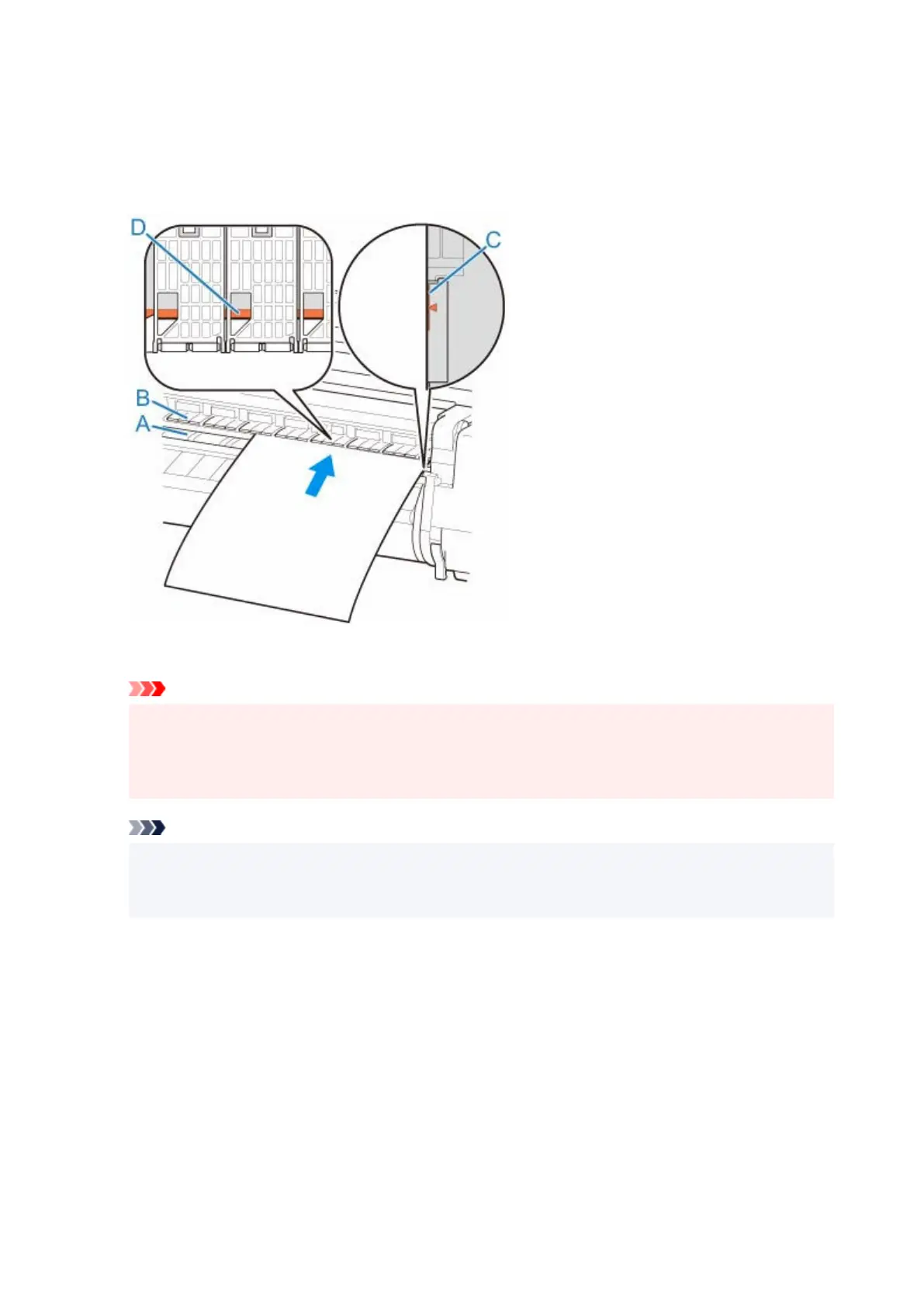
3. Place cut sheet with the print side up, insert in portrait orientation between platen (A) and3.
paper retainer (B), and align paper's far edge using the following steps.
1.
Load while aligning with right side paper alignment line (C).
1.
2. Align far edge of inserted sheet with leading edge of paper alignment line (D) as shown.2.
When you insert the sheet, it will adhere automatically to the surface of the platen.
Important
• Load the sheet so that it is parallel to the right paper alignment line (C). Loading paper askew will•
cause an error.
•
Warped paper may rub against the print head. Straighten paper if it is warped before loading.
•
Note
• You can also align the cut sheet based on its near edge. In this case, load the cut sheet aligning•
its near edge with marks (E) on the platen and the right edge with the right-side paper alignment
line (F).
154












 To Next Page