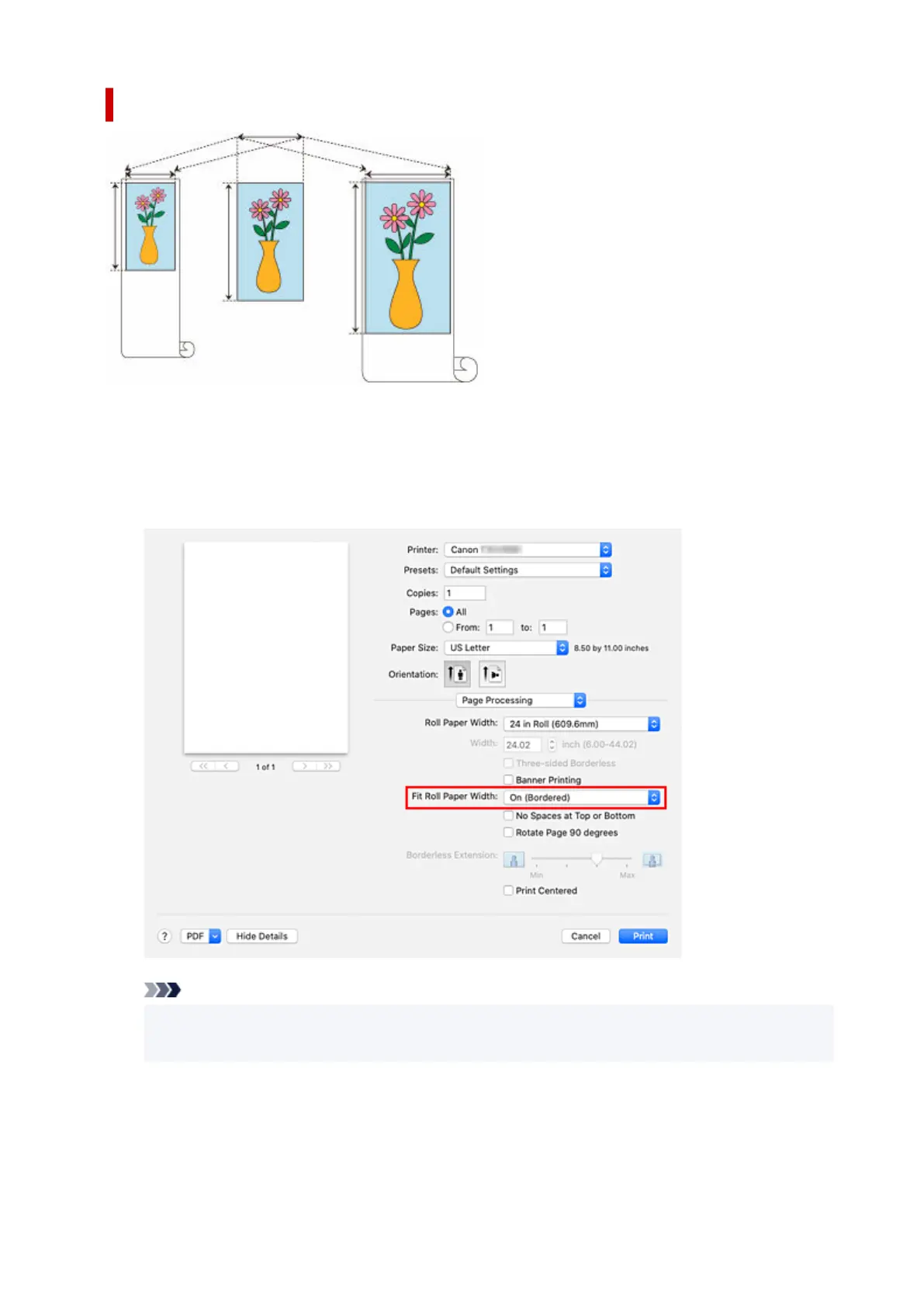
Printing by Enlarging/Reducing Document to Match Roll Paper Width
1.
Select Page Processing from the pop-up menu of the Print Dialog
1.
2.
Setting Enlarged/Reduced Printing
2.
For Fit Roll Paper Width, select On (Bordered) or On (Borderless).
Note
•
Depending on the Paper Size settings, the settings you can choose will differ.
•
When selecting "XXX oversize" from Paper Size, On (Borderless) cannot be selected.
3.
Complete the setup
3.
Click Print.
When you print, the document is expanded or reduced to match the roll paper width and then printed.
598












 To Next Page