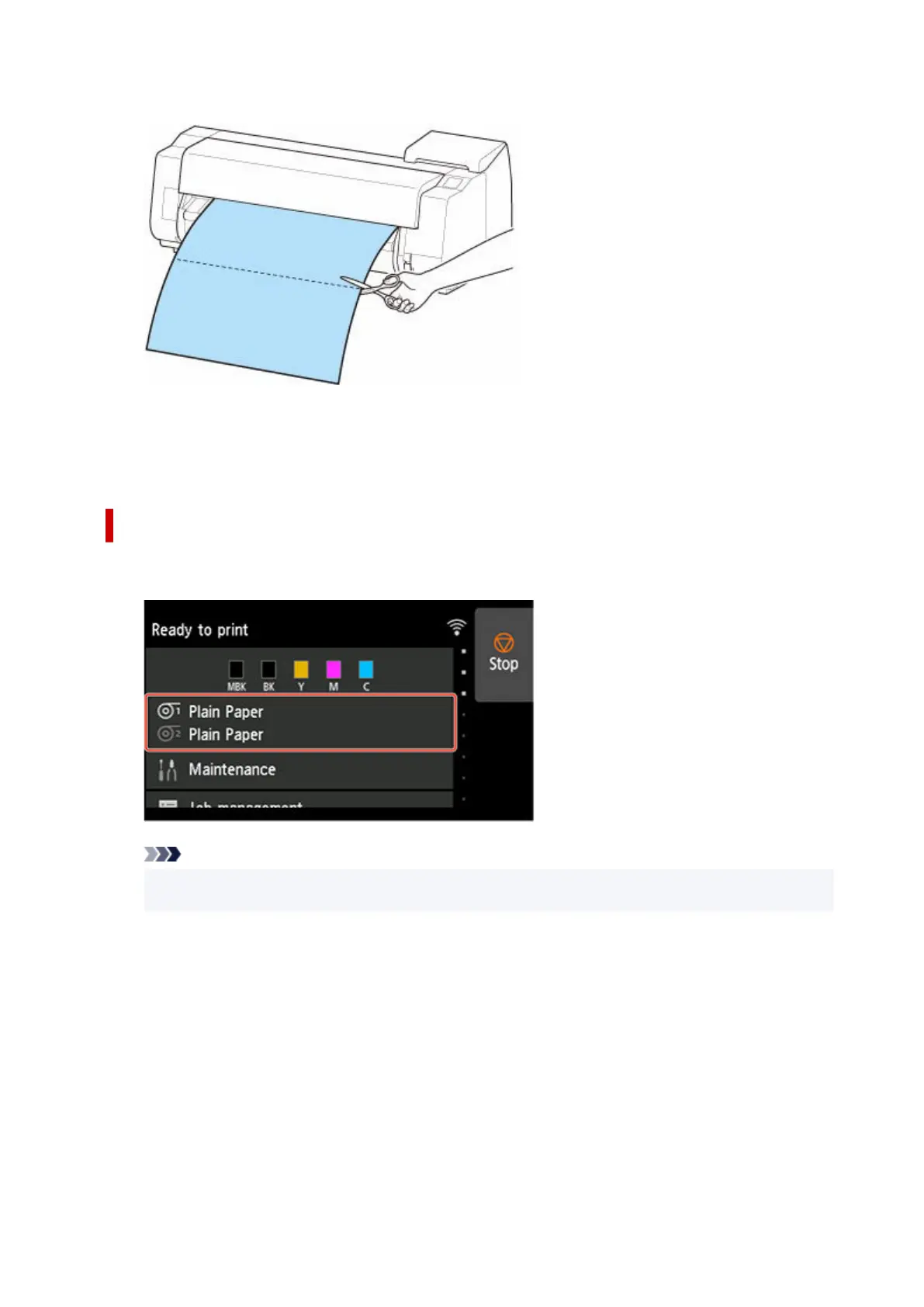
13. Cut the roll paper manually with scissors or the like.13.
14.
Tap OK.
14.
After the roll is rewound, it stops automatically.
Paper cutting (to have the roll cut at your specified position)
1. Tap paper settings display area on Home screen of touch screen.1.
Note
•
If the Home screen does not appear, tap the HOME button.
•
2.
Tap paper feed slot where roll paper you want to cut is loaded.
2.
3.
Tap Feed/cut.
3.
4.
Tap or touch Advance or Rewind to feed roll paper to desired cutting position.
4.
5.
Tap Cut paper.
5.
6.
Tap Yes.
6.
144












 To Next Page