Important
• When lengthening the basket arm, first return the basket to an unwound state while pressing the•
basket rewind button on the right edge of the basket rod (tag side), and then make the change.
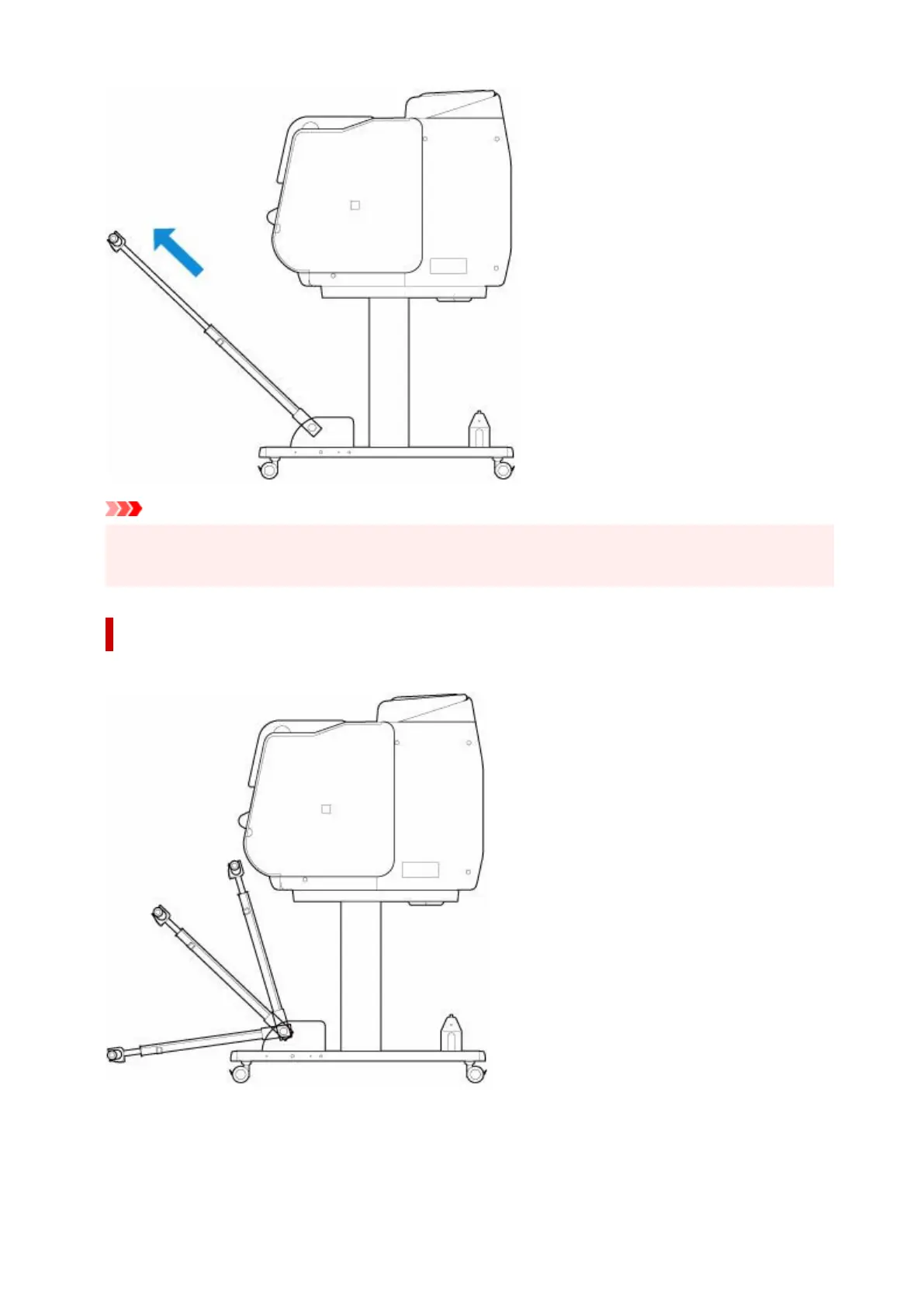
Changing Tilt of basket arm
You can change the tilt of the basket arm in three steps.
When securing the basket arm, attach the basket locking support to the basket arms (A) on both sides.
165












 To Next Page