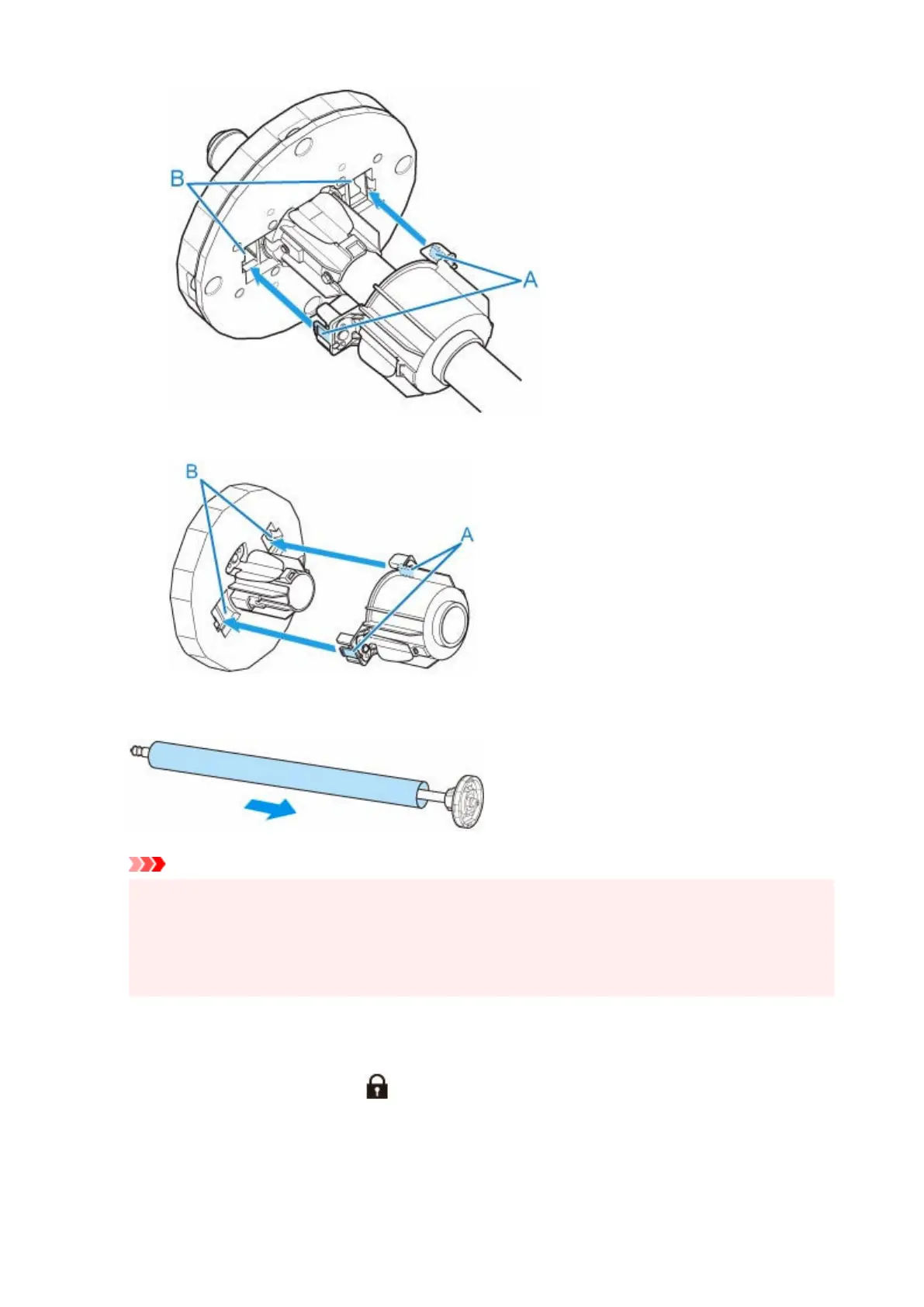
•
holder stopper Side
•
4.
Insert paper core, which is for winding roll paper, into roll holder.
4.
Important
•
We recommend using a paper core that is wider than the paper to be wound when winding paper.
•
If you use a narrower paper core, use with a gap between the holder stopper and the paper.
•
Always use a paper core for winding that is the same thickness or is thicker than the roll paper's
•
paper core. If you use a paper core that is thinner, it may affect take up.
5.
Insert holder stopper from left into roll holder as shown, and then while holding in position
5.
(B), push firmly until holder stopper flange (A) touches paper core. Lock the holder stopper
lever (C) by rotating it towards .
187












 To Next Page