◦
Inward Winding
◦
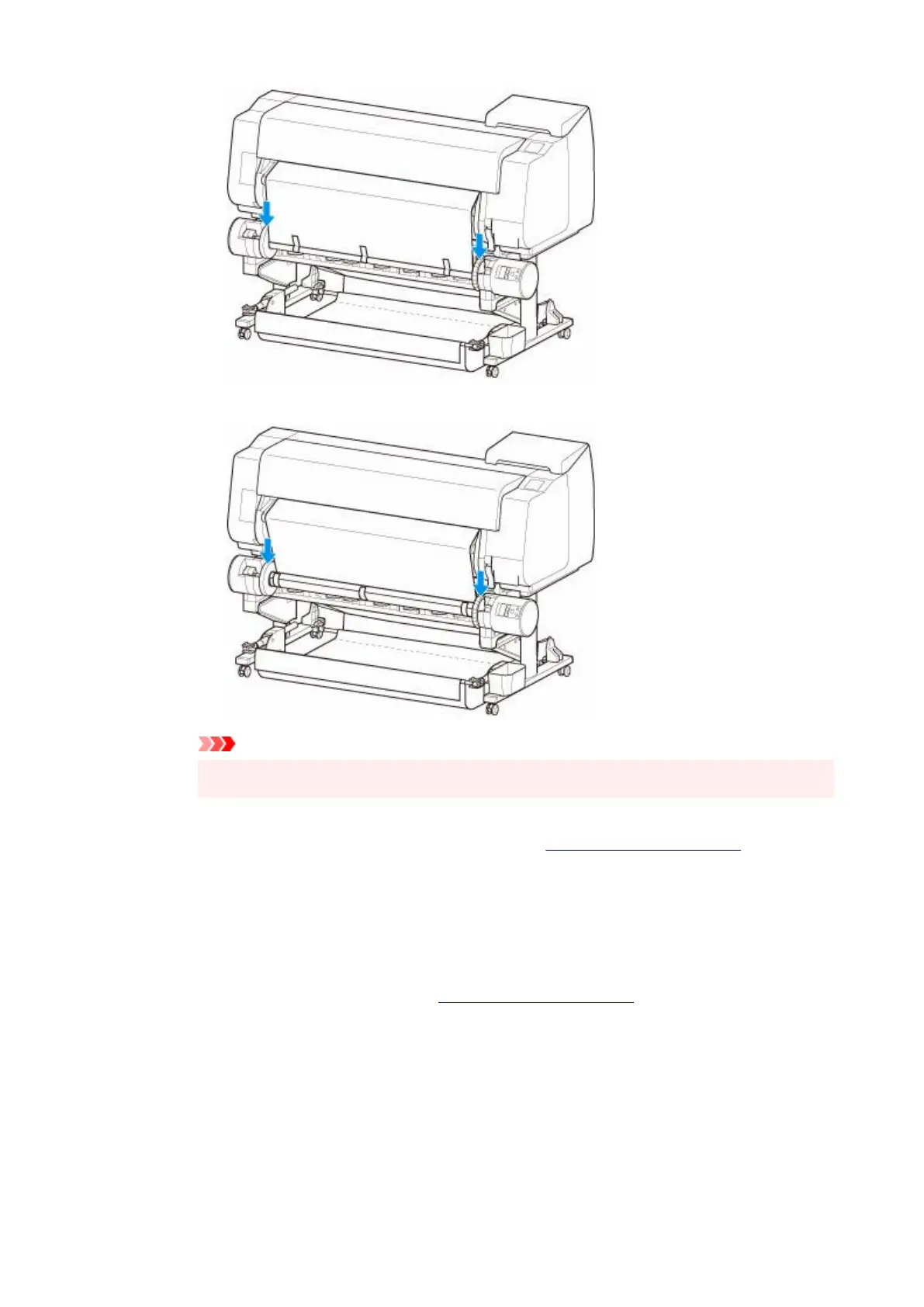
Important
• If the roll holder lifts up, it may cause an error.•
7. To stabilize operations when starting taking up, advance roll paper with operation panel and7.
wind roll paper approximately one revolution. (See "Feeding Roll Paper Manually.")
8.
Push roll holder downward again, and check that roll holder is not lifting up.
8.
The winding preparation is complete. When printing to the roll starts, the roll paper can be
automatically wound.
•
If Ready to print appears on touch screen
•
1.
Manually advance roll paper (See "Feeding Roll Paper Manually.") or start printing, and wait
1.
for leading edge of roll paper to reach roll unit.
2.
Hold center of leading edge of roll paper, align right edge of take-up spool paper core's right
2.
edge and tape center to paper core while pulling on roll paper evenly.
◦
Outward Winding
◦
193












 To Next Page