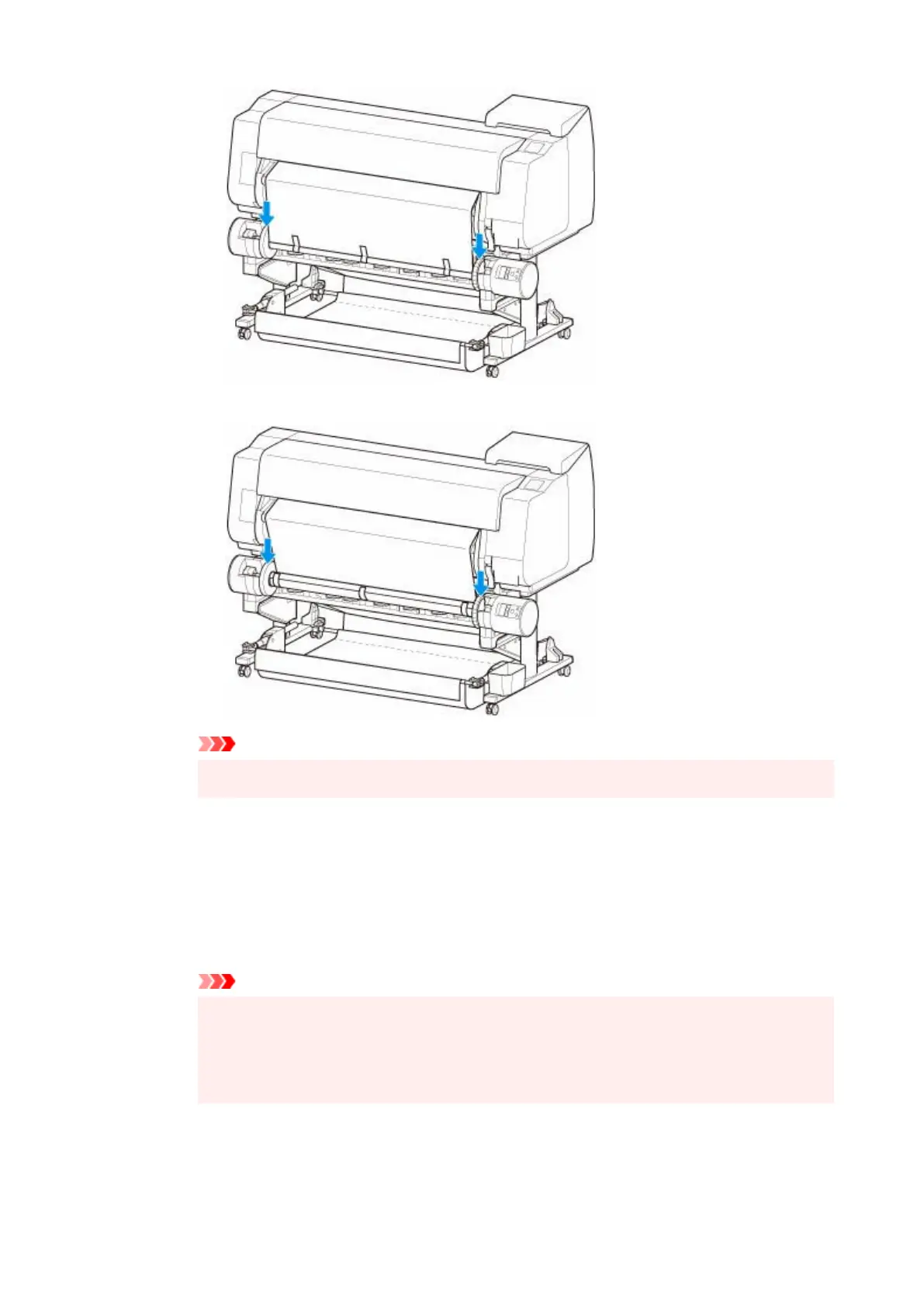
◦
Inward Winding
◦
Important
• If the roll holder lifts up, it may cause an error.•
7. Make sure Inward/Outward Winding Changeover switch on roll unit is in desired direction7.
and press Auto Take-up/Pause button.
The Pause lamp, which has been lighted up to this point, turns off, and the Auto Take-up
lamp lights up instead.
The winding preparation is complete. During printing, the winding starts. Before printing, the
winding starts at the same time as the printing.
Important
•
When winding inwardly, loosening of the wound paper can be prevented by pressing the
•
roll paper with the arm. However, doing so may produce pressure traces on the paper.
In this case, tap the roll unit area of the media information display area and set Paper
retention settings to Release.
196












 To Next Page