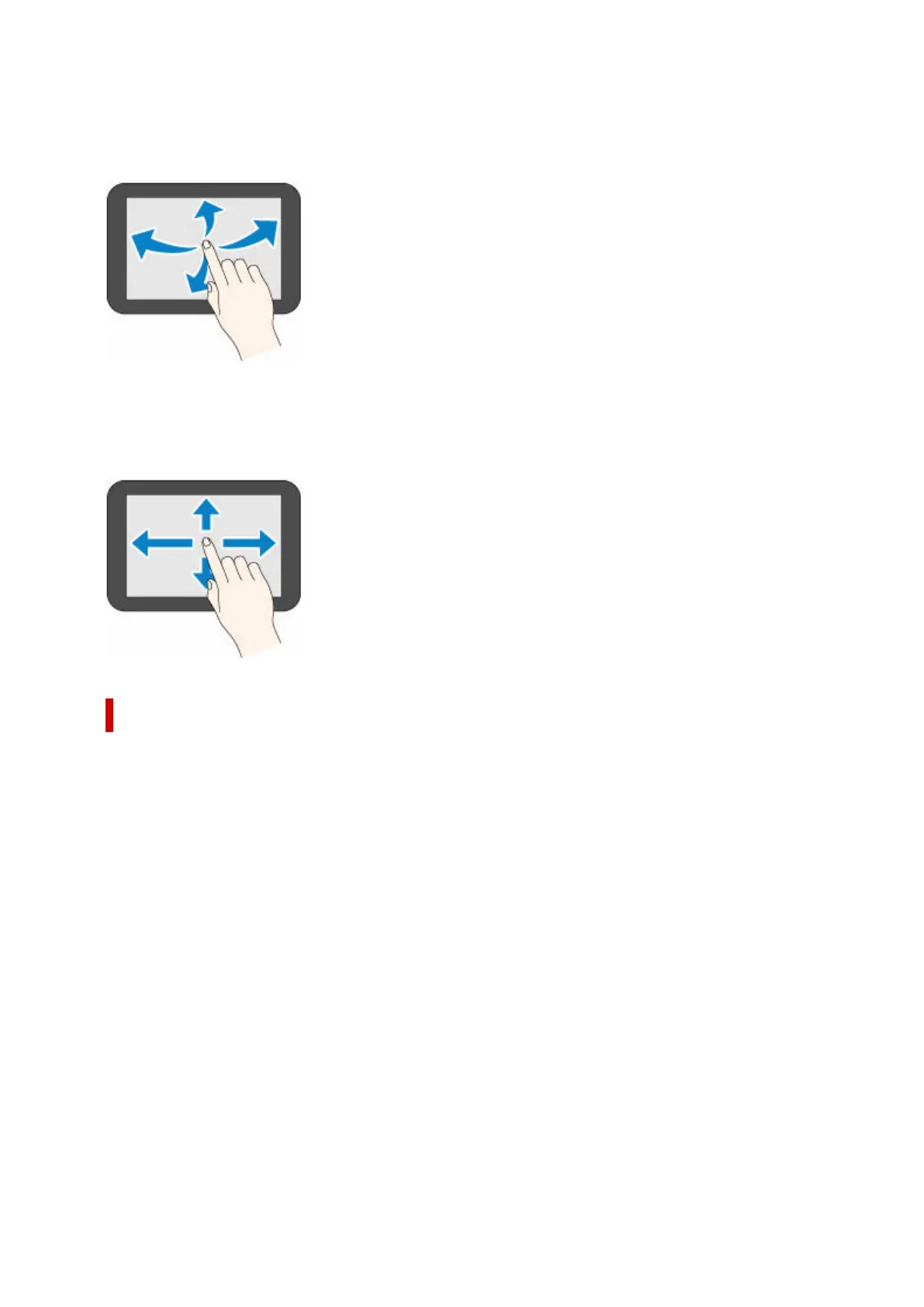
Flick
Drag and release your finger up, down, left, or right.
Use this to quickly scroll through a menu or list.
Drag
Move your finger up, down, left, or right while gently keeping it in contact with the touch screen.
Use this to move a menu or list while viewing it.
Notification Messages
When the ink is low or there is another notification, New notice appears in the printer information display
area. Tap this to display the Notice list screen to view messages with the newest one appearing first. Tap
a message to display the message details screen to view the details and take action.
Example: Notices on the maintenance cartridge
205












 To Next Page