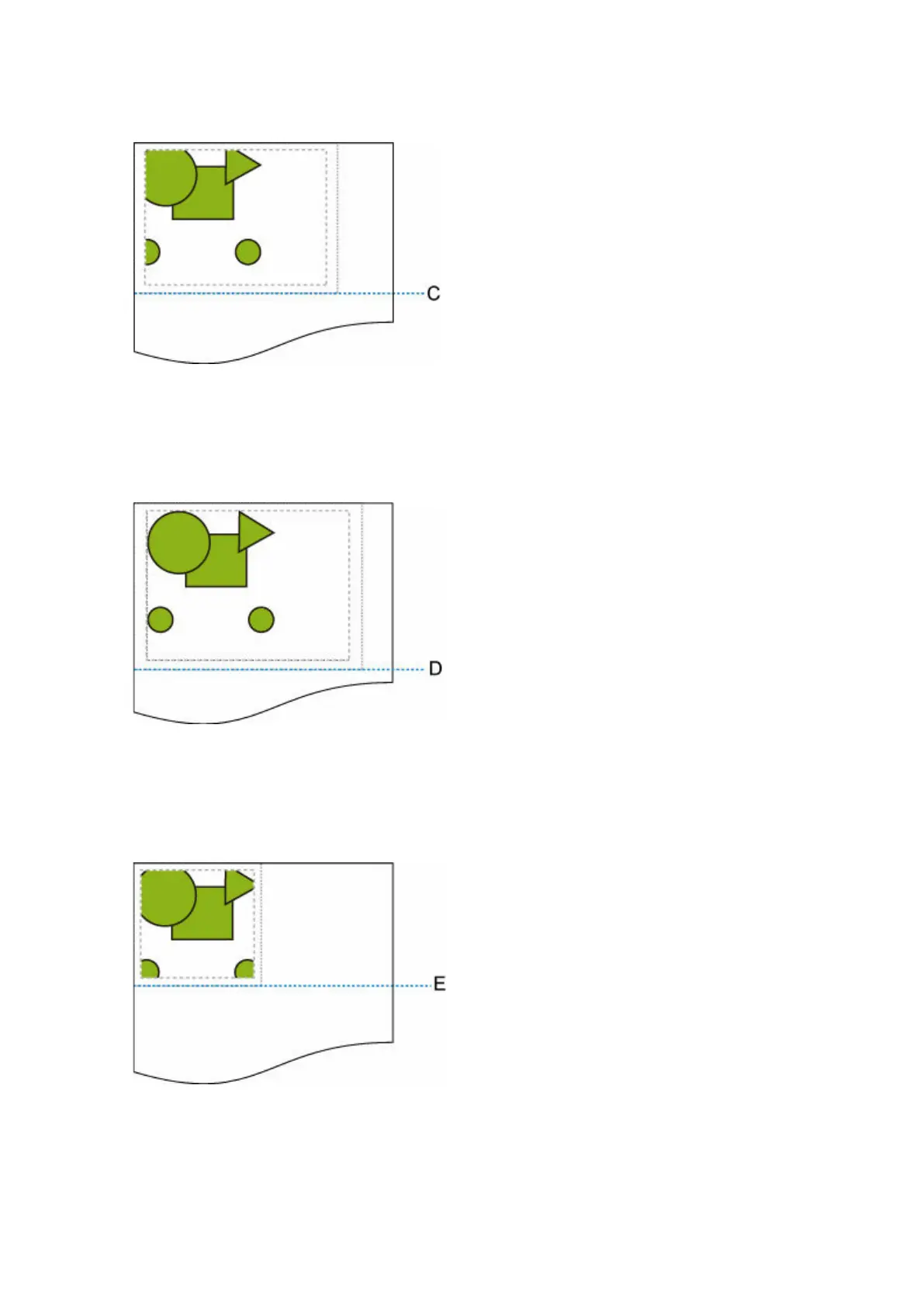
• When OFF or Command priority is selected for Detect image size and Disable is selected for•
Oversize:
C: Position of cut
Cut at length of command-specified image drawing range.
• When OFF or Command priority is selected for Detect image size and Enable is selected for•
Oversize:
D: Position of cut
Cut at length of upper and lower margins added to length of command-specified image drawing
range.
• When Detected size is selected for Detect image size and Disable is selected for Oversize:•
E: Position of cut
Cut at length of minimum image range detected.
336












 To Next Page