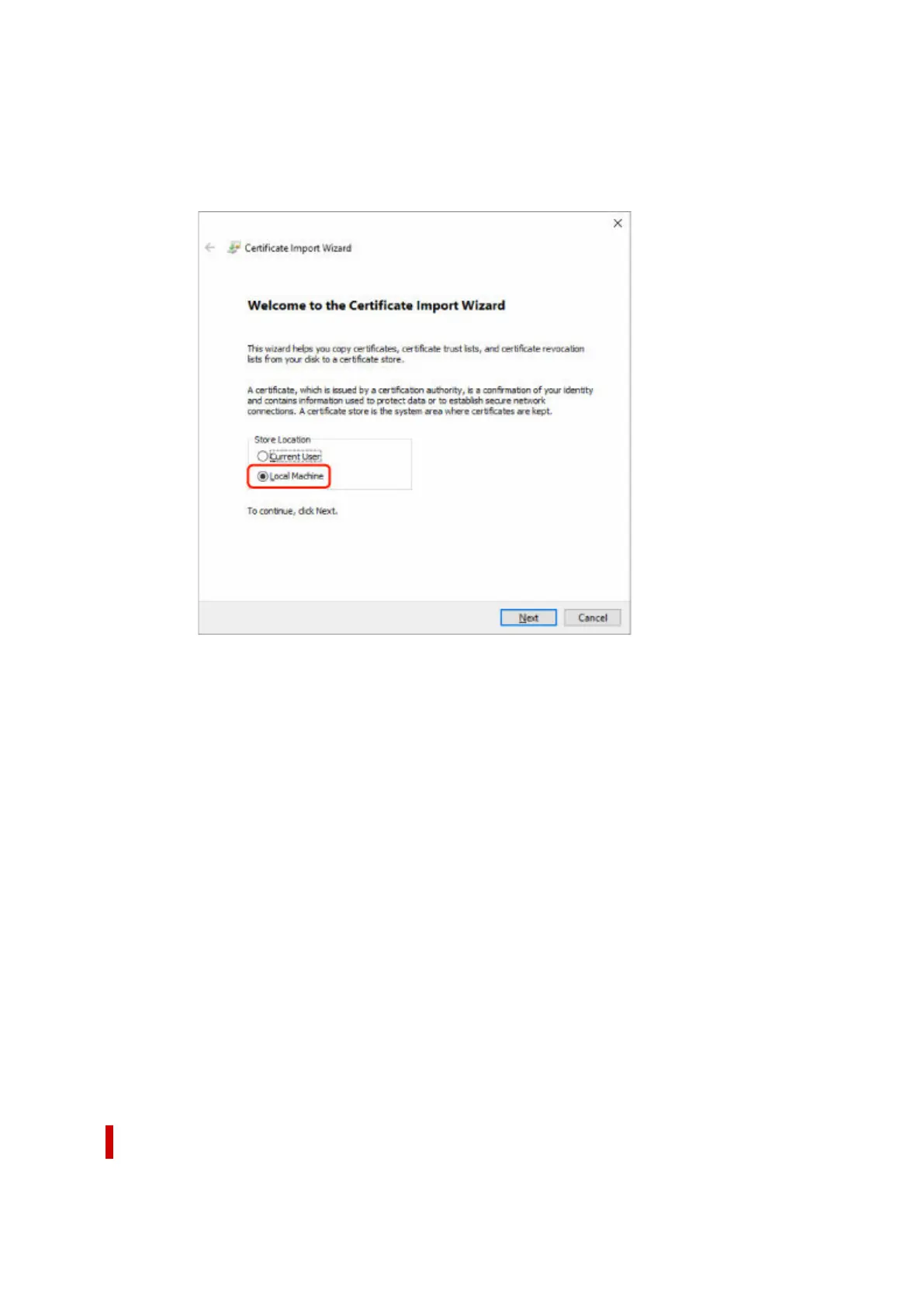
The Certificate Import Wizard screen appears.
6. Select Local Machine.6.
1. Select Local Machine on the startup screen of Certificate Import Wizard.1.
2. Select Next.2.
3. Select Yes on the displayed screen.3.
The Certificate Store screen appears.
7. Select Place all certificates in the following store.7.
8.
Select Trusted Root Certificate Authorities.
8.
1. Select Browse to open the Select Certificate Store screen.1.
2. Select Trusted Root Certificate Authorities from the list and select OK.2.
3. Select Next on the Certificate Store screen.3.
9.
Select Finish.
9.
When the Completing the Certificate Import Wizard screen appears, check the settings and select
Finish.
For Windows 7
The procedure below describes how to import a root certificate in Windows 7.
358












 To Next Page