• Connection without Using a Wireless Router (Wireless Direct)•
◦ Connect the printer and a device without using a wireless router. Connect the device and the
printer directly using the printer's wireless direct.
◦ In the wireless direct, you can connect up to five devices at the same time. If you try to connect
another device while five devices are already connected, disconnect a device you do not use and
configure settings again.
◦ Network settings such as the SSID and security protocol are specified automatically.
Connecting Smartphone/Tablet to Printer Directly (Wireless Direct)
LAN Connection
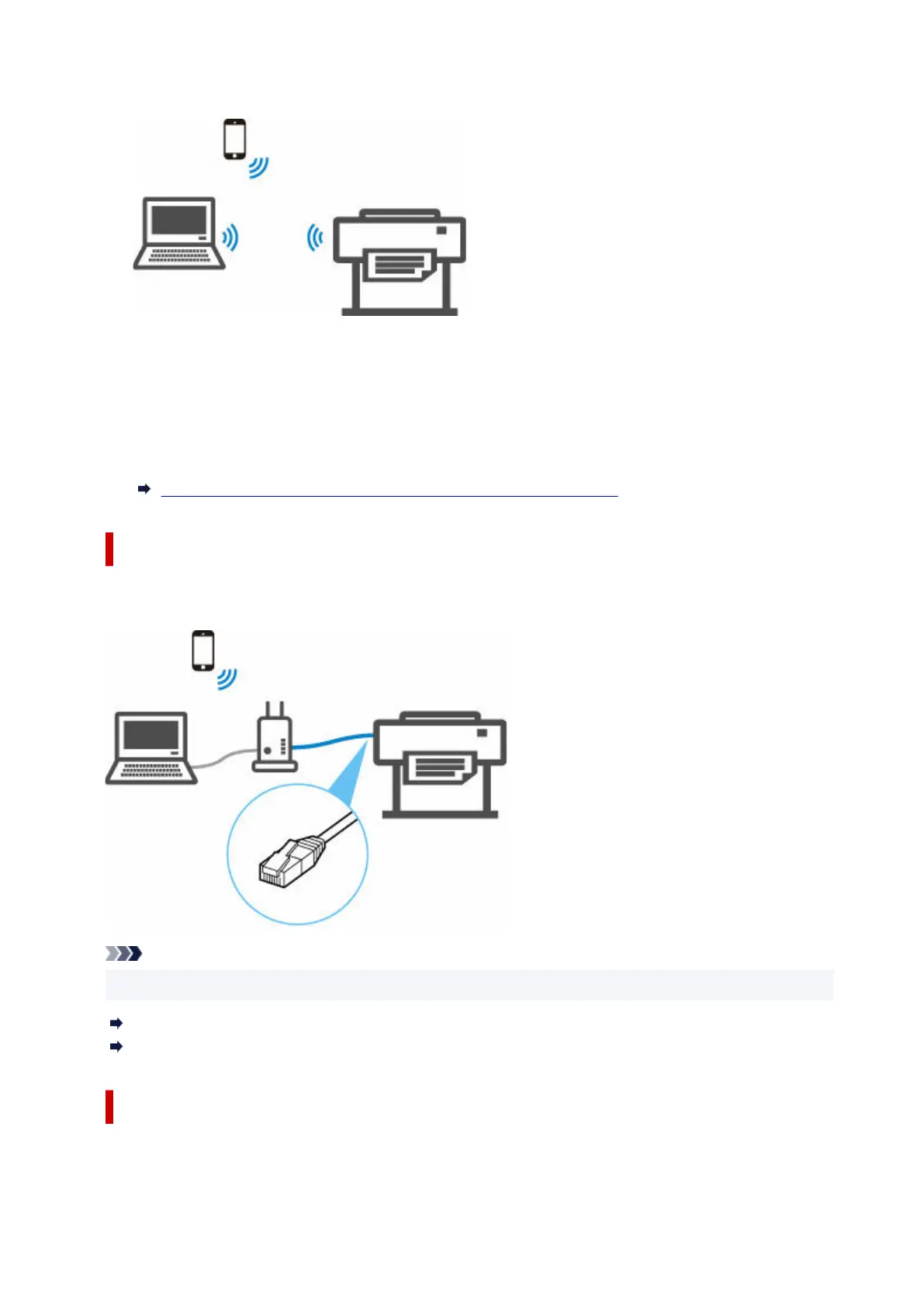
Connect the printer and a computer or a router with an Ethernet cable. If your router supports wireless
connection, you can connect the device via wireless connection.
Note
• Devices connected to the router must be connected to the same network.
What Is Ethernet Cable?
Advantages of Connecting Printer via Wired LAN
USB Connection
Connect the printer to a computer using a USB cable.
377












 To Next Page