Note
• Ink tank replacement is possible even during printing, when print jobs are being canceled, or when
paper is being advanced.
Selecting Ink Tank Replacement from Menu
1.
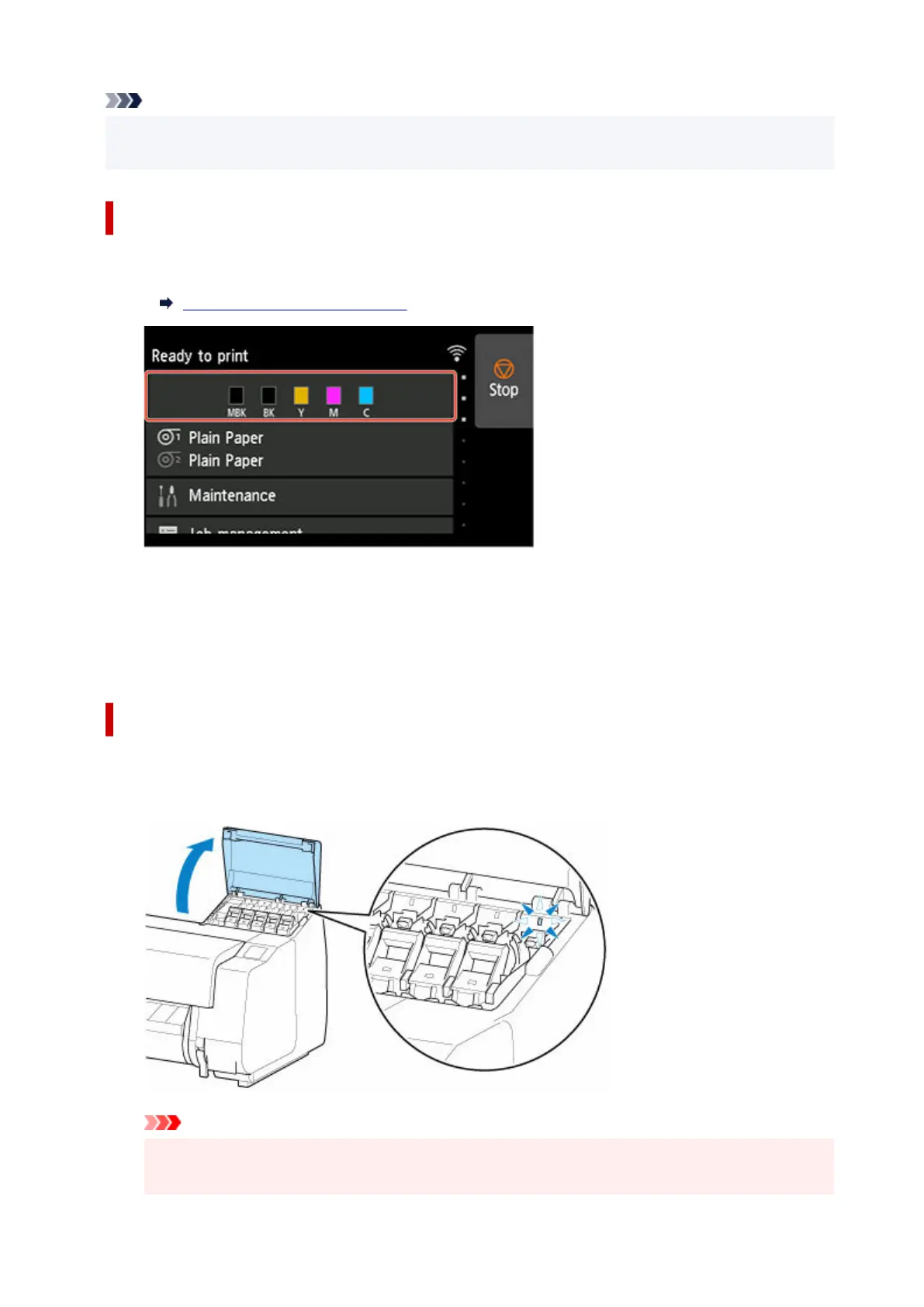
Tap ink display area on HOME screen.
1.
Home Screen Menu Composition
The Current estimated ink levels screen appears.
2. Tap Replace.2.
Instructions for the ink tank replacement procedure appear on the touch screen.
Removing ink tank (5.4 fl oz (160 ml) / 11.2 fl oz (330 ml))
1. Open ink tank cover and check ink lamp.1.
The ink lamp flashes if there is no ink left.
Important
•
Avoid jarring the printer a lot when replacing an ink tank. Handle the printer gently when
replacing tanks. Jarring the printer during printing may affect printing quality.
447












 To Next Page