Important
•
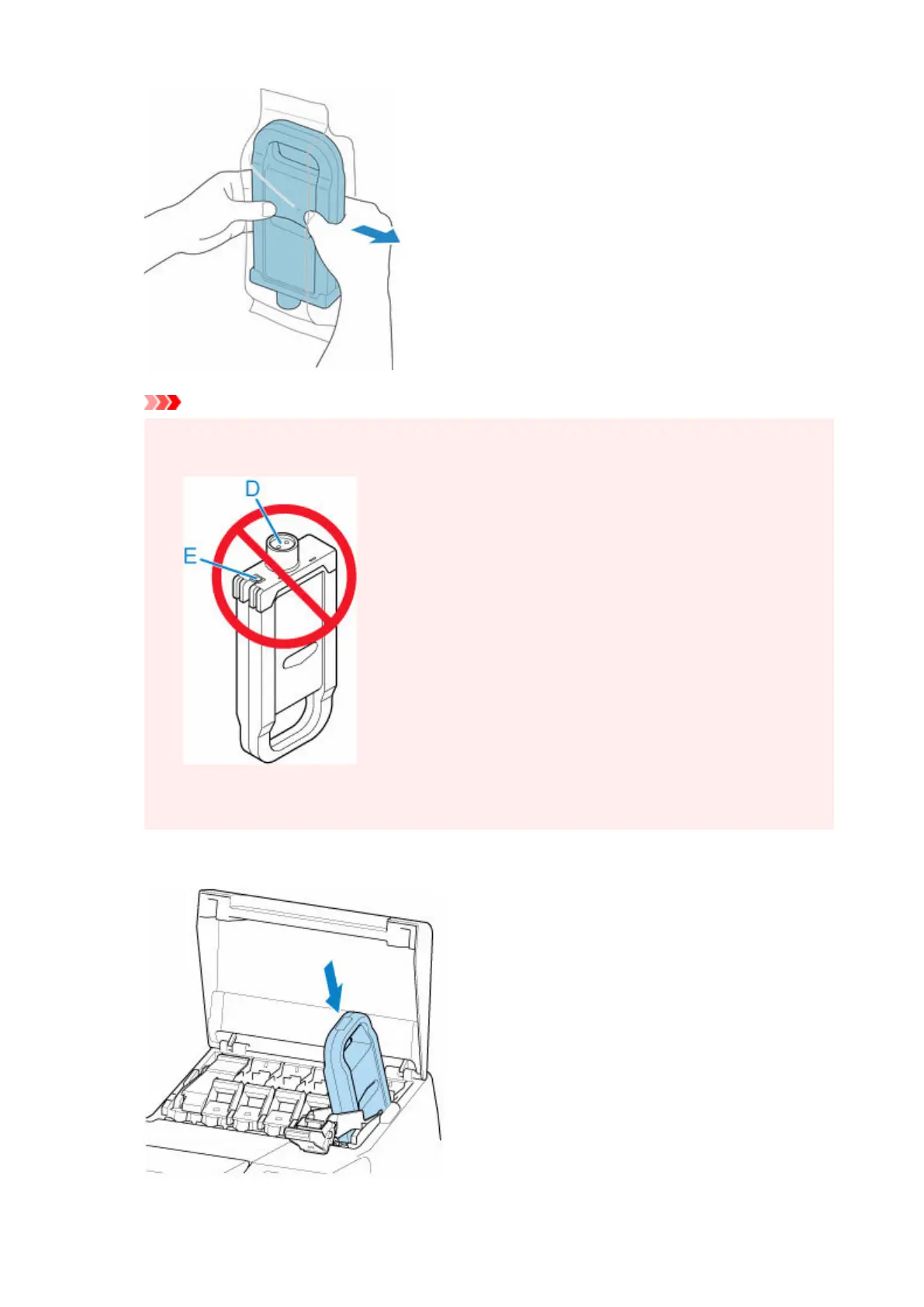
Never touch the ink holes (D) or the metal contacts (E). This may cause stains, damage the ink
•
tank, and affect printing quality.
• Avoid dropping the ink tank after removing it from the pouch. Otherwise, ink may leak and
cause stains.
3. Tap OK and insert ink tank into holder with ink holes down and metal contacts at rear.3.
457












 To Next Page