Removing the Lower Roll from the Roll Unit (Option)
• When using sheets, remove the sheet.•
Removing Sheets
2. Clean inside top cover.2.
Cleaning Inside the Top Cover
3.
Tap Maintenance on HOME screen.
3.
Home Screen Menu Composition
The Maintenance screen appears.
4.
Tap Head Replacement.
4.
A confirmation message appears.
5.
Tap Start head replacement..
5.
Ink begins being drawn in. When it finishes, instructions for the print head replacement procedure
appear on the touch screen.
It takes about 3 minutes for ink to be drawn into the system and remove ink from the print head.
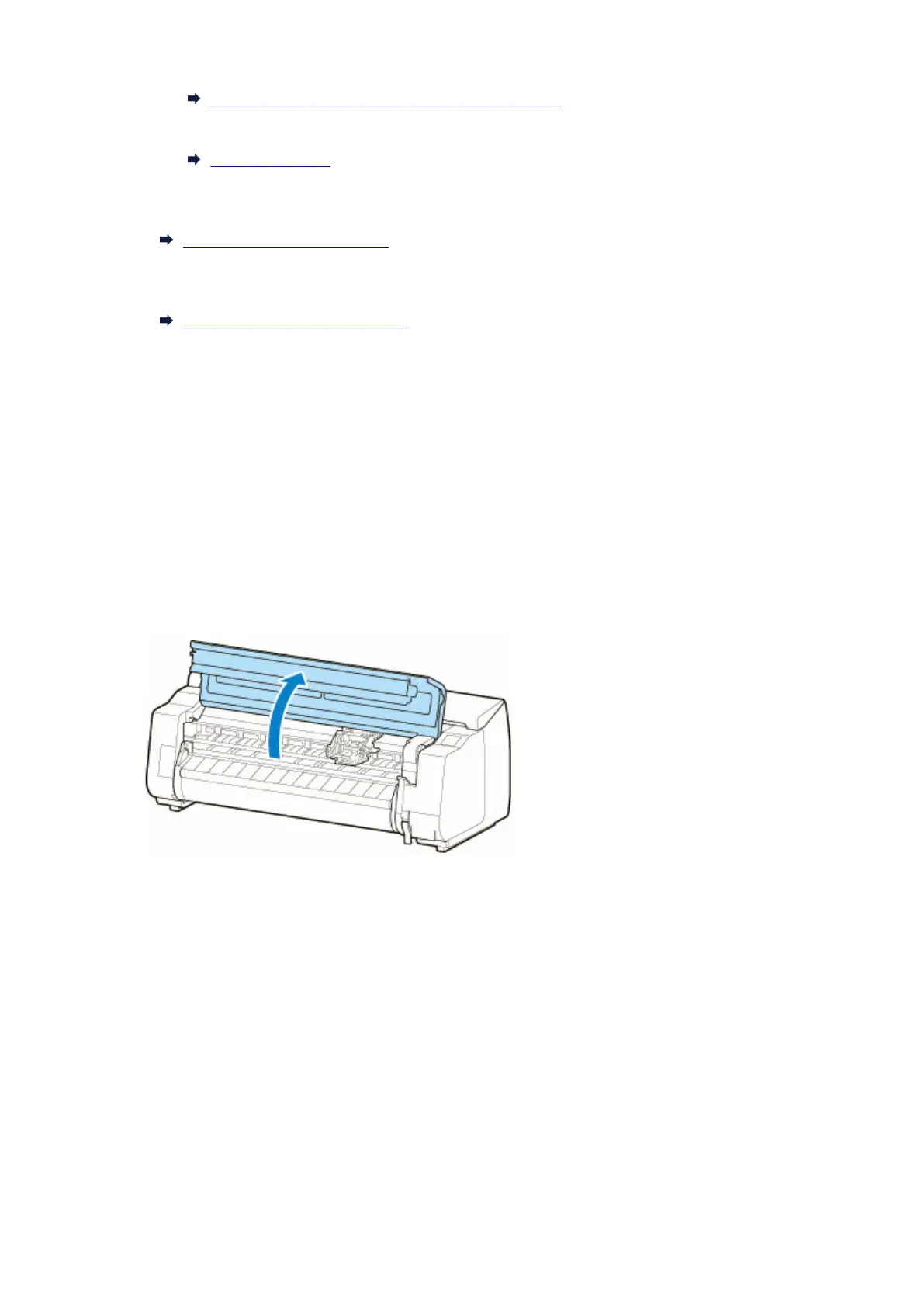
6. Open top cover.6.
7.
If the print head locking cover and print head lock lever are dirty, use a damp cloth that
7.
you have wrung out completely to wipe them clean.
470












 To Next Page