9.
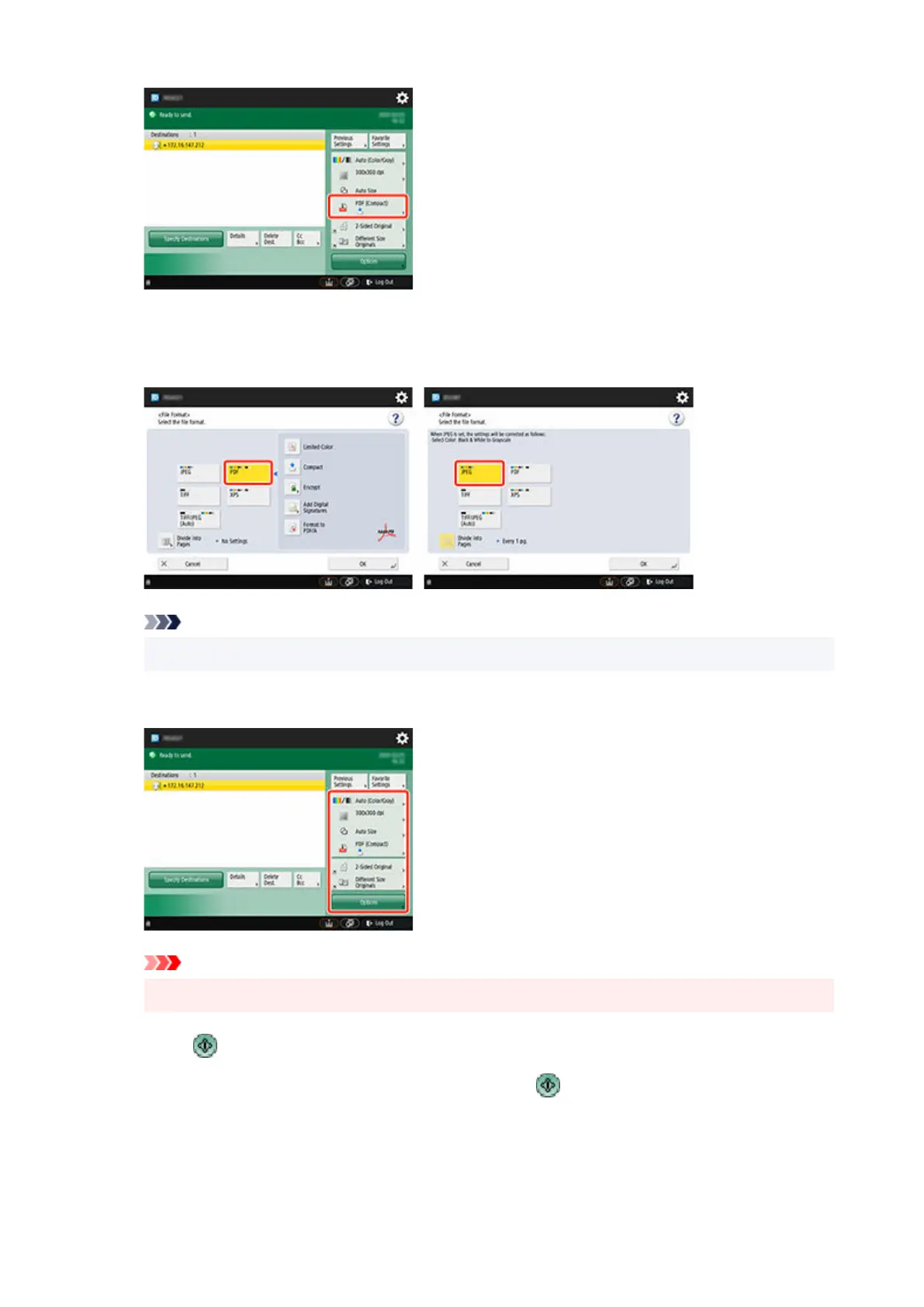
Select File Format.
9.
Select PDF or JPEG.
Note
• If you select PDF, remove the check from the Compact and Encrypt check boxes.
10. Specify the settings as necessary.10.
Important
•
Select 300x300 dpi or 600x600 dpi as the resolution.
11.
Press (Start).
11.
If you are placing your originals on the platen glass, press (Start) to scan each original.
12.
When scanning is complete, tap Start Sending.
12.
653












 To Next Page