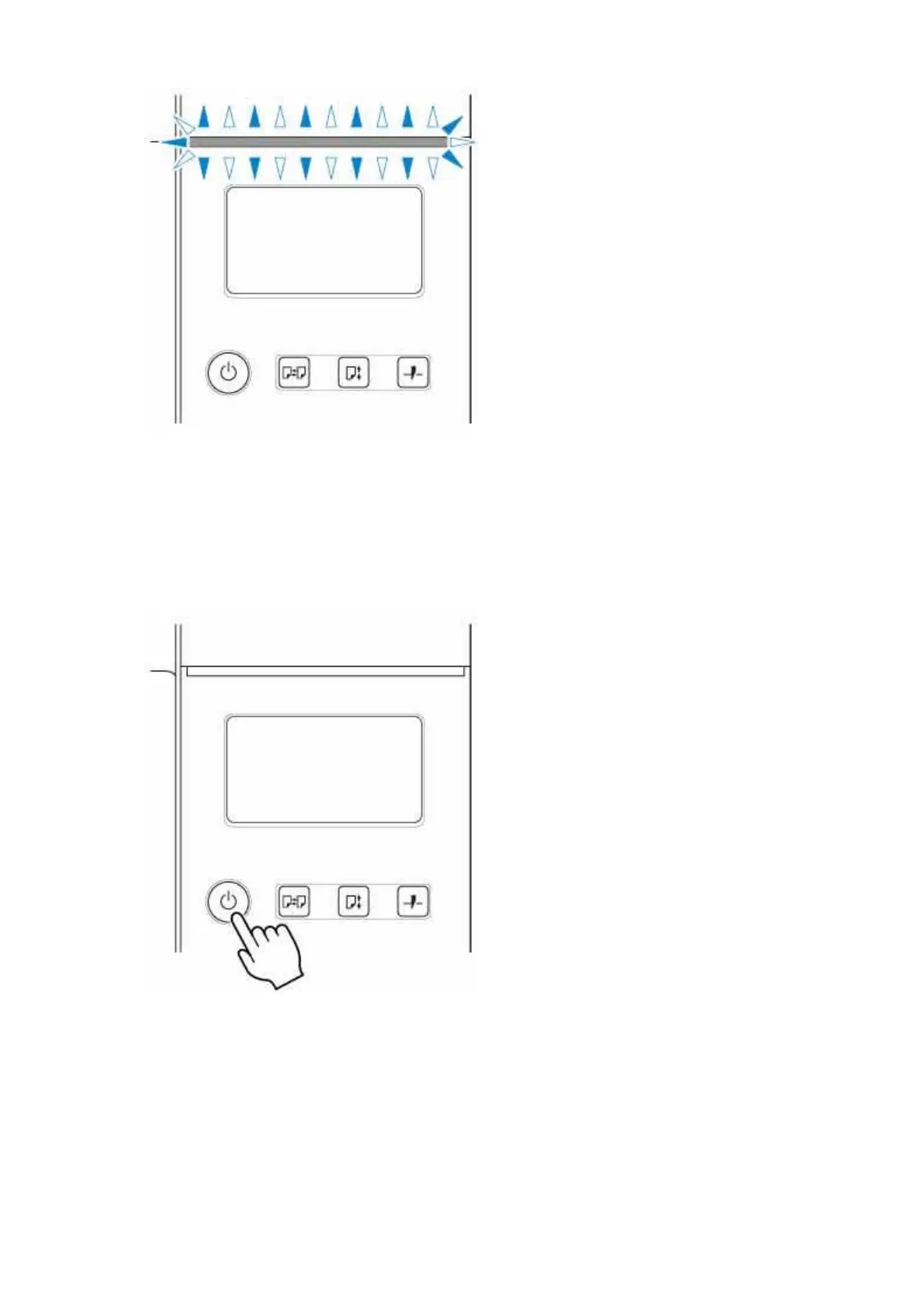
If the Status lamp is flashing orange, check the message on the touch screen and take action as
necessary.
If the Status lamp is flashing white, the printer is receiving a print job. Turn off the printer after printing
is finished.
2. Hold down the ON button for more than a second.2.
"Turning off... Please wait momentarily" appears on the touch screen, and the printer turns off.
67












 To Next Page