Note
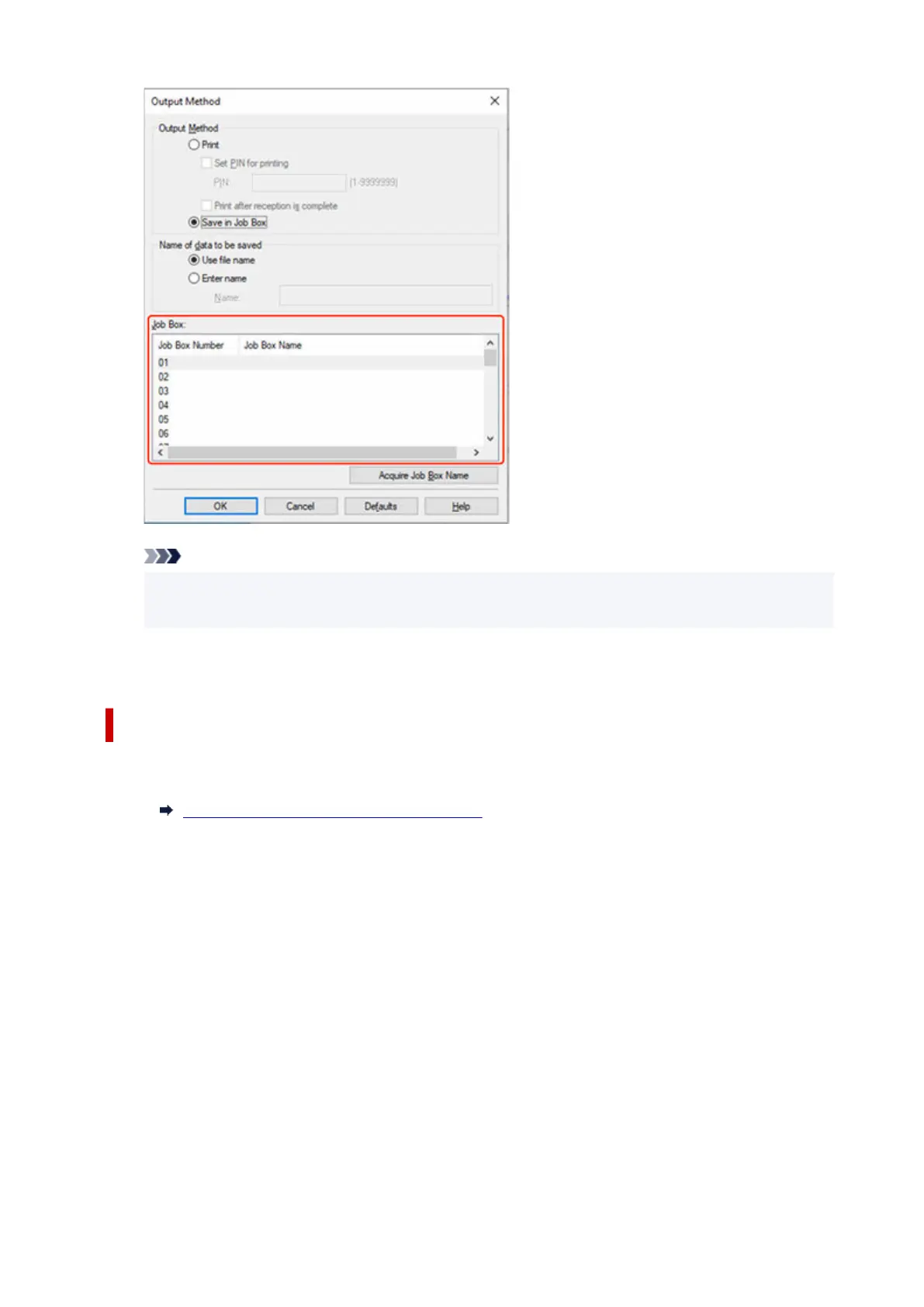
• Select Acquire Job Box Name to display personal job box names in the Job Box list, as
acquired from the printer.
7.
Select OK.
7.
Configuring Printer Driver (macOS)
1. Open printer properties dialog.1.
How to Open the Printer Driver Setup Dialog
2.
Select Additional Settings in pop-up menu.
2.
709












 To Next Page