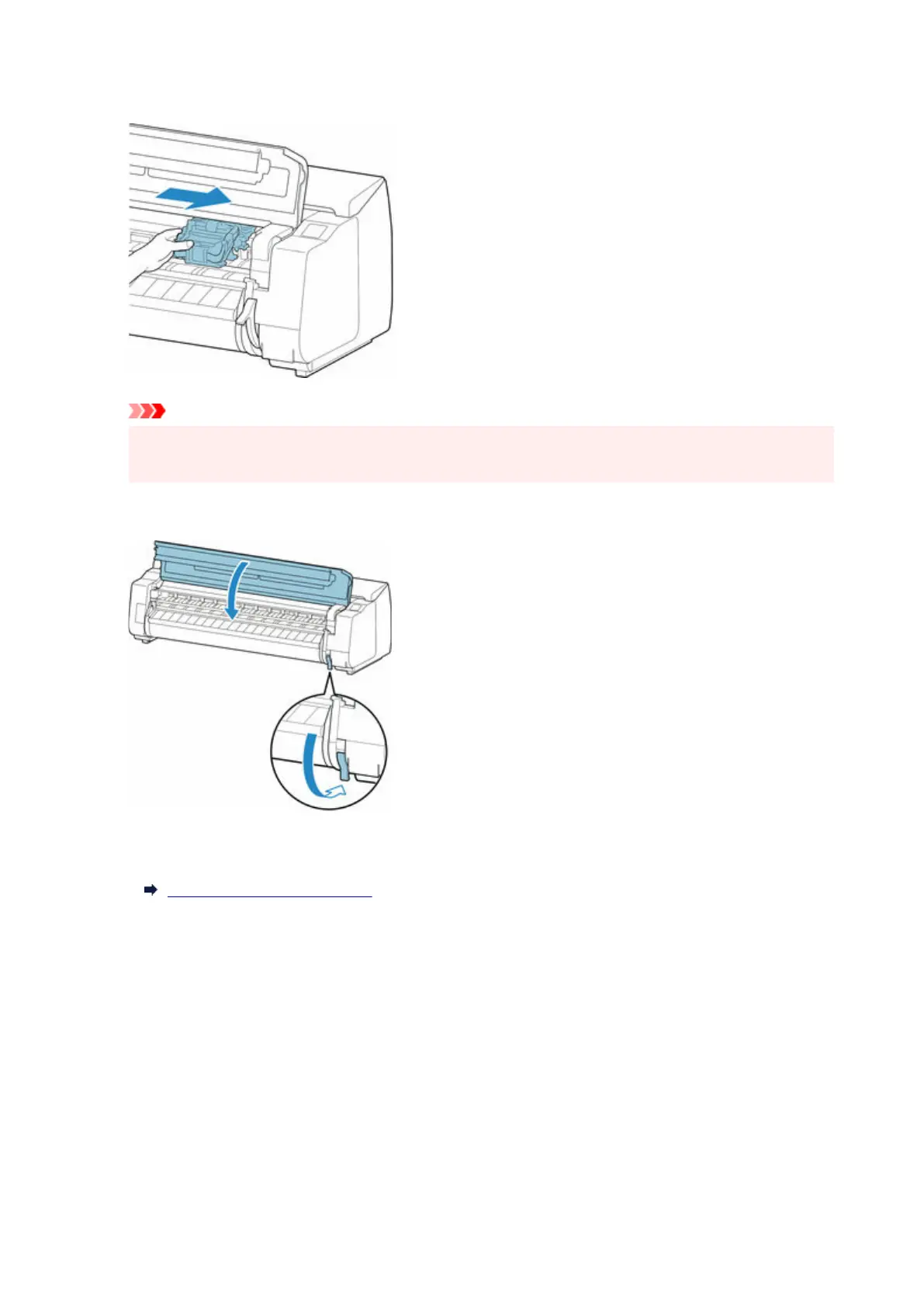
6. If the Carriage is on the left, move the Carriage to the right until it stops.6.
Important
•
Always move the Carriage to the right side. If the Carriage is on the left, an error message may
appear on the touch screen when you turn on the printer.
7. Lower the release lever and close the top cover.7.
8. Turn on the power to the printer.8.
Turning the Printer On and Off
756












 To Next Page