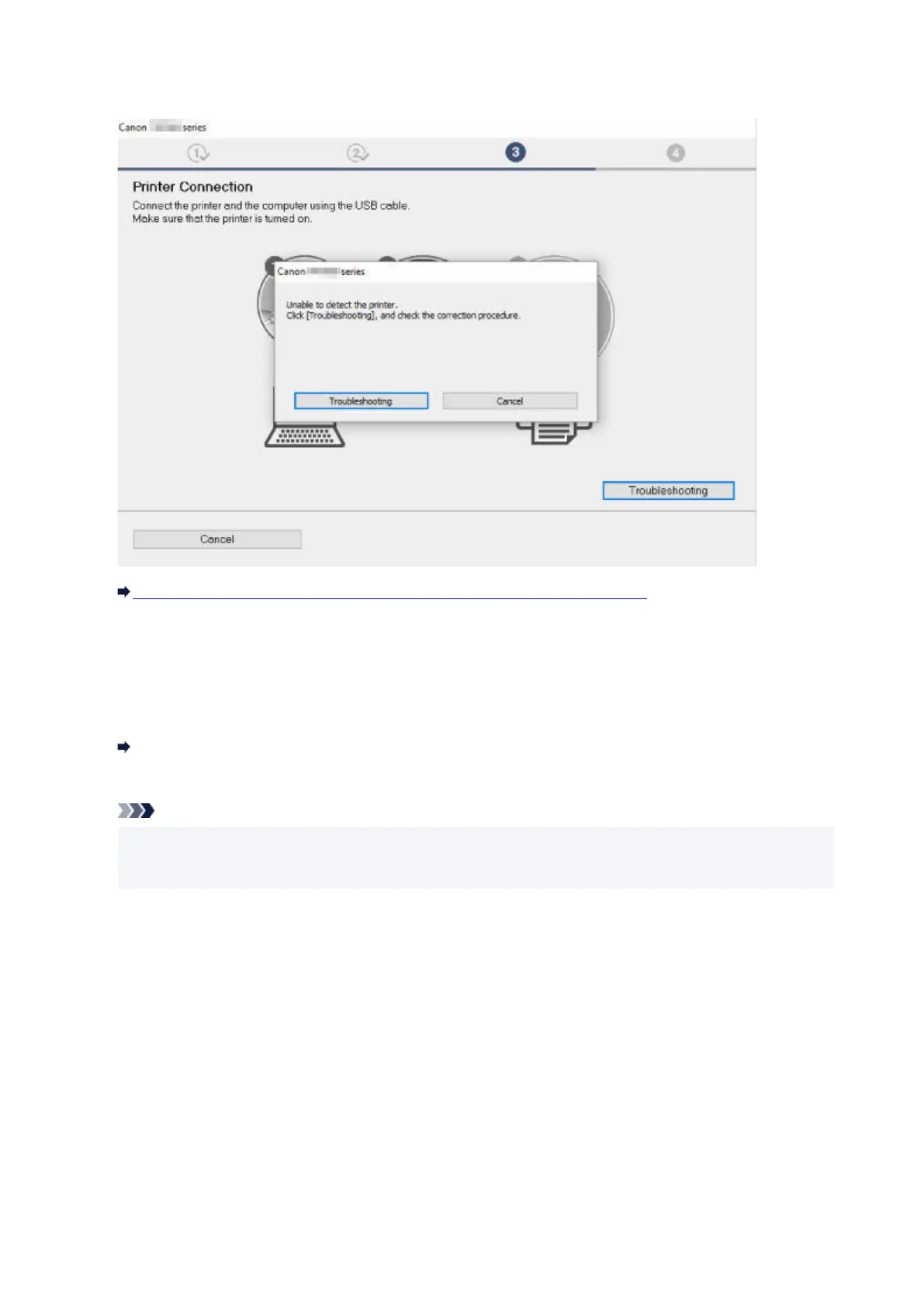
• If you cannot get past the Printer Connection screen:•
Cannot Proceed beyond Printer Connection Screen/Connect Cable Screen
• Other cases:•
Reinstall the printer driver.
If the printer driver was not installed correctly, uninstall the printer driver, restart your computer, and then
reinstall the printer driver.
Deleting the Unnecessary Printer Driver
Reinstall the printer driver with the Setup CD-ROM or install it from the Canon website.
Note
• If the installer was stopped due to a Windows error, Windows operation may be unstable, and you•
may not be able to install the drivers. Restart your computer and then reinstall the drivers.
838












 To Next Page