CAPINTEC, INC. CAPRAC
®
-t
6-50 WELL COUNTER INITIALIZATION April 2021
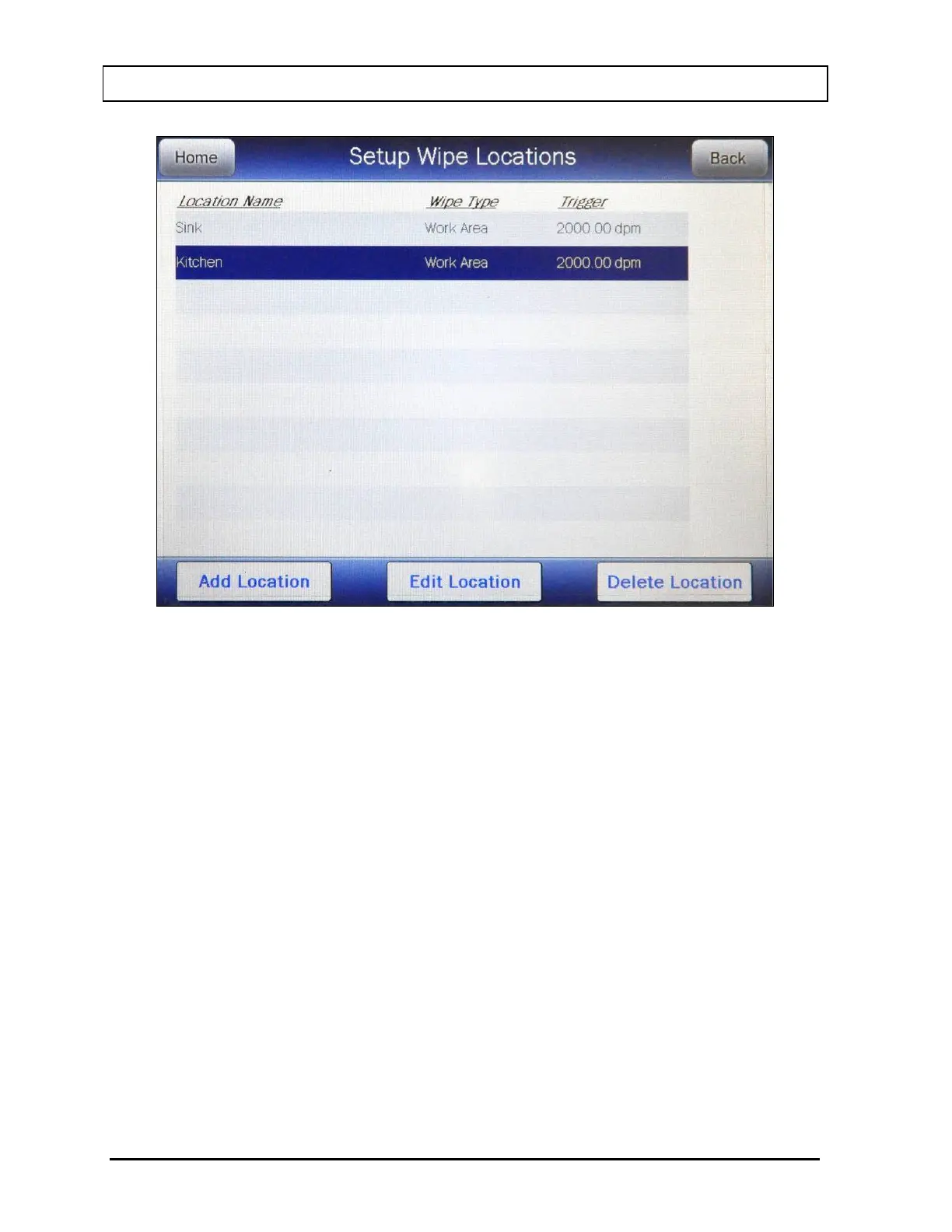
Figure 6-39 Add, Edit, Delete Wipe Location Screen
To edit the information for the highlighted Location, touch the EDIT LOCATION
button. The Edit Wipe Location screen will appear displaying the selected Location’s
information.
Edit the desired information as described in the Adding a Location section beginning
on page 6-43.
Once all the desired changes are complete, touch the ACCEPT button to save the
Location data. Figure 6-34 Setup Wipe Locations Screen will re-appear.
To abort changing the Location data, touch the CANCEL button. Figure 6-34 Setup
Wipe Locations Screen re-appear without saving the changes.
Deleting a Location
Note: Once a Wipe Location is deleted, it cannot be recovered. The Wipe Tests
performed using the deleted Location are not deleted from the database and
can still be viewed through the Reports module (reference CHAPTER 11:
REPORTS, SECTION: WIPE REPORT).
Any Wipe Location can be deleted.



 To Next Page