CAPINTEC, INC. CAPRAC
®
-t
12-6 CALCULATION UTILITIES April 2021
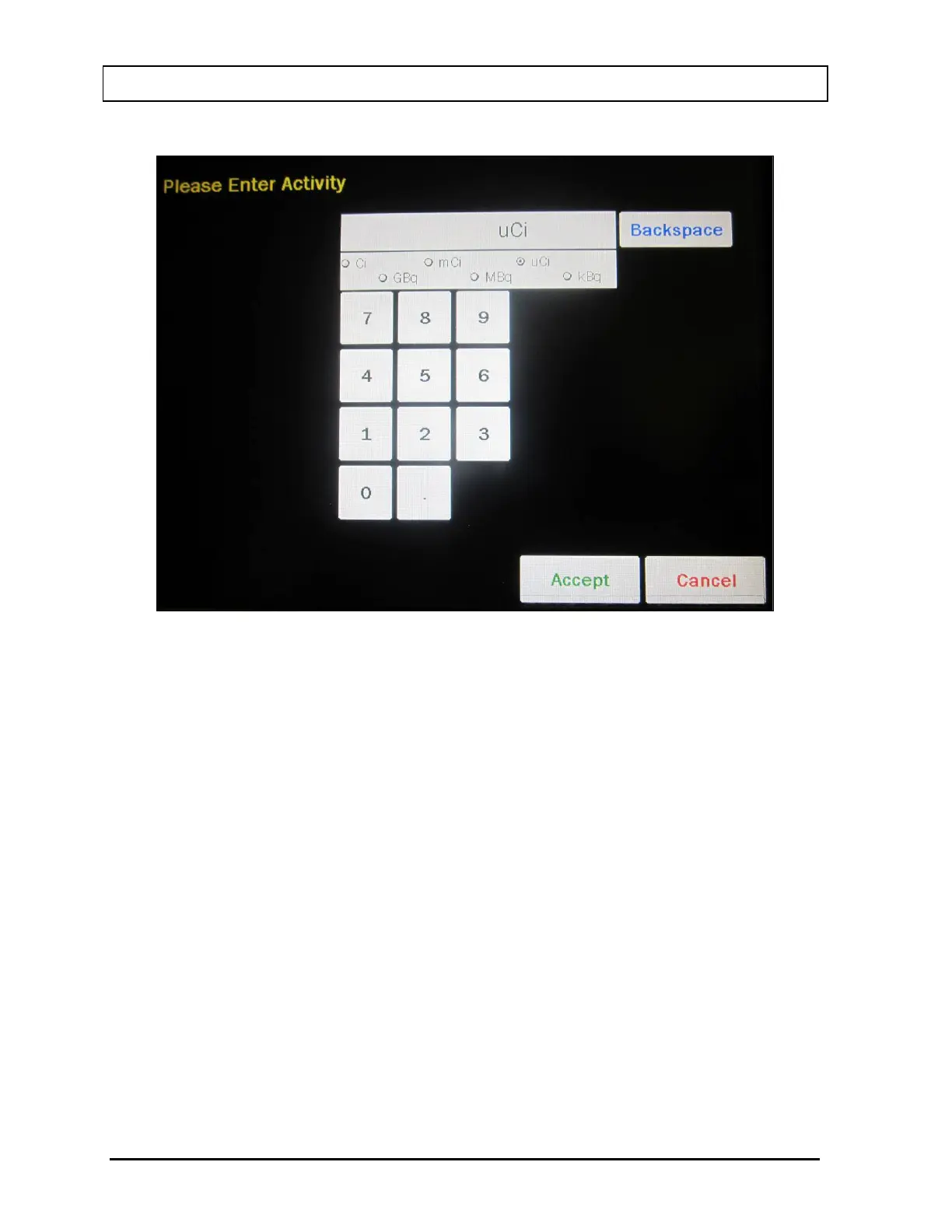
Figure 12-5 Enter Activity Screen
Input the beginning activity to be converted using the keypad and touch the
appropriate radio button for the unit of measure.
To cancel any changes and return to the Figure 12-2 Utility Screen, touch the
CANCEL button.
Touch the ACCEPT button to accept entered activity. Figure 12-2 Utility Screen will
re-appear with FROM: act field box populated with the entered activity.



 To Next Page