Appendix E Falcon Lead Lag
E-17
2. From the Home page go to SETUP> PROGRAM MODULE.
3. Press <Backup Parameters>. The display will indicate when uploading is complete. When fin-
ished, remove the PIM and replace the cover.
4. Insert the PIM in the next boiler to be configured.
5. Go to the boiler’s Program Module Configuration screen (SETUP> PROGRAM MODULE).
6. Press <Restore Parameters>. A warning will be displayed:
7. Press <Yes> to continue. The Status line on the PIM configuration screen will indicate when
parameter writing is complete. If the parameter set being downloaded is from a different Falcon
firmware version, it is possible that not all available parameters will be restored. This is normal.
When finished, remove the PIM and replace the cover.
8. Repeat steps 4-7 with the remaining boilers.
9. IMPORTANT - after parameterizing all boilers, remember to give each one a unique Modbus
address. Each boiler’s MB1 and MB2 addresses must be the same. To change the Modbus
address:
Starting from the Home page, go to VIEW INDIVIDUAL>Configure>System Identification and
Access. Scroll down to Modbus addresses. If two addresses are displayed (MB1 and MB2) ensure
that BOTH are set to the desired address for this boiler. If only one Modbus address is shown, set
it to the desired address.
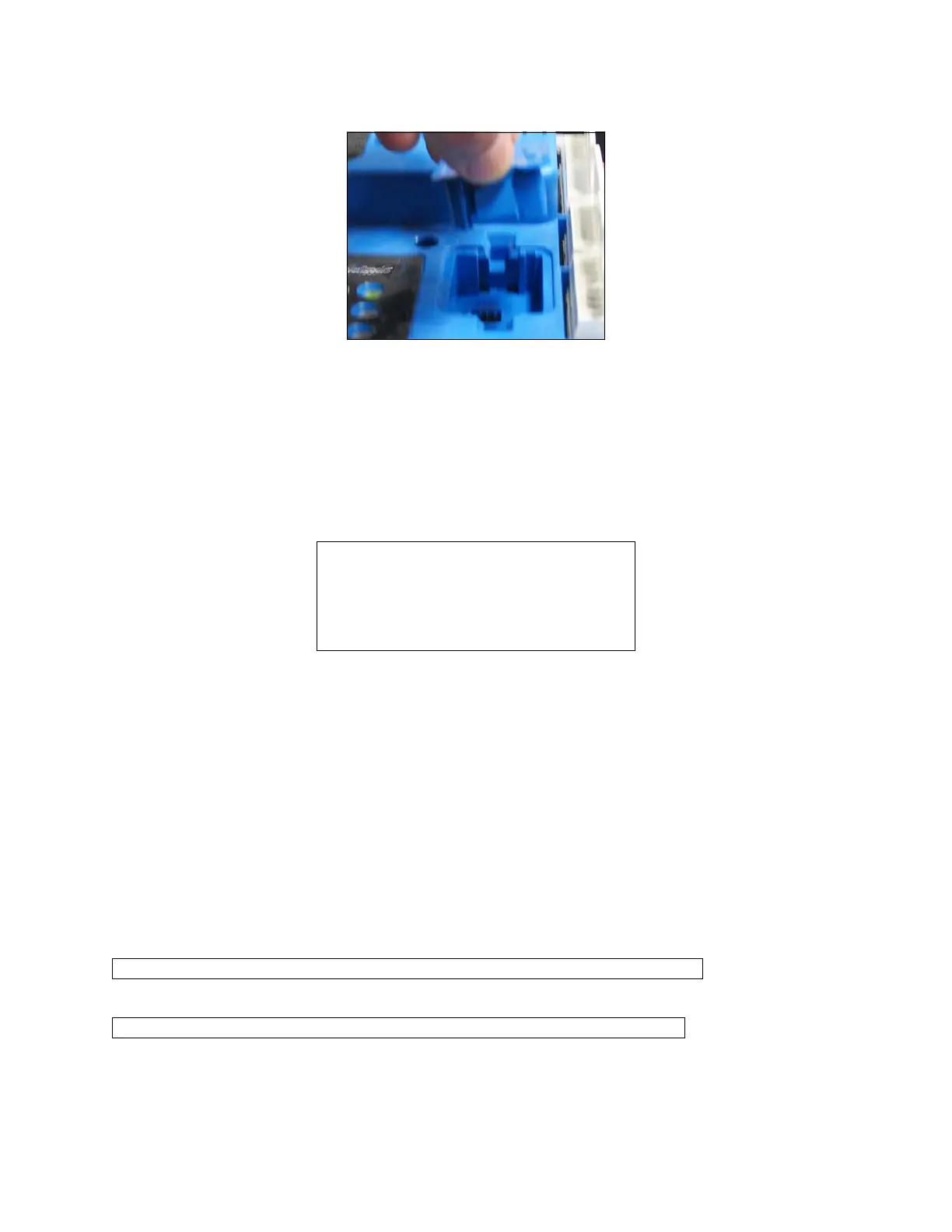
Figure 6 - Loading a PIM
WARNING! This operation replaces all
NON-SAFETY configuration parameters
in the control with those from the PM.
SAFETY PARAMETER SETTINGS ARE
NOT CHANGED BY THIS RESTORE.
Are you sure you wish to continue?
Note: Each boiler in a Falcon lead lag network must have a unique Modbus address.
Note: The MB1 and MB2 addresses for each individual boiler must be the same.



 To Next Page