Section 4 — Commissioning
4-4 Part No. 750-363
Please review the tables within this Commissioning section to familiarize yourself with the functions and
parameters of the Controller. Also see Appendices A and B for details on control configuration and operation.
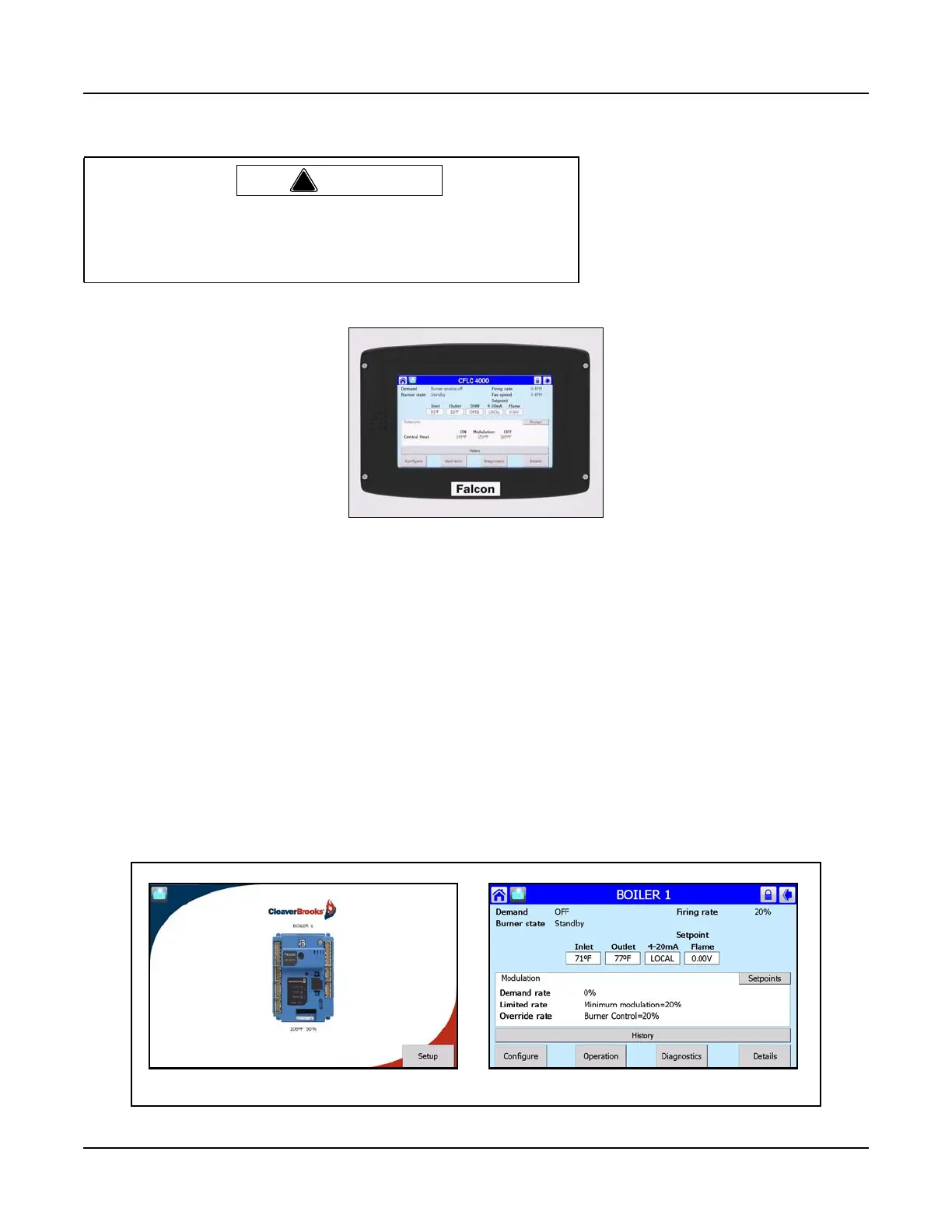
4.5 FALCON DISPLAY/OPERATOR INTERFACE
The Falcon display/operator interface is mounted at the left side of the control panel for convenient access
to all operating controls.
4.5.1 Home Page
Apply power to the boiler. The Home page will appear on the Falcon display.
Each Falcon in the hydronic system is represented on the Home page by an icon and name.
4.5.2 Status Page
Pressing the Falcon icon takes the user to the Status page, which summarizes boiler status and allows
navigation to the configuration, operational, and diagnostic areas of the Falcon interface.
!
Warning
The Model CFLC is factory tested. Nevertheless, all burner safety
controls should be checked upon installation, prior to initial firing.
Failure to verify burner control functioning could result in severe
bodily injury or death.
Figure 4-3 Falcon Display/Operator Interface
Home page
Status page



 To Next Page