Appendix E Falcon Lead Lag
E-19
To view the currently programmed ODR curve, press <Show Line> on the ODR configuration
screen.
Additional parameters are available for Time of Day setpoint and boost; see Lead Lag Operation
reference manual for a full description.
8- STARTUP
To start the lead lag system:
1. Turn all boiler demand switches to LOCAL.
2. On the Master host boiler home page press VIEW LEAD LAG>Lead Lag Master to access the
Lead Lag Operation screen. Turn the <Lead Lag Operation> screen switch ON.
The system should now start when a demand is present.
9- MONITORING SYSTEM PERFORMANCE
Press <VIEW LEAD LAG> to view the lead lag Home page.
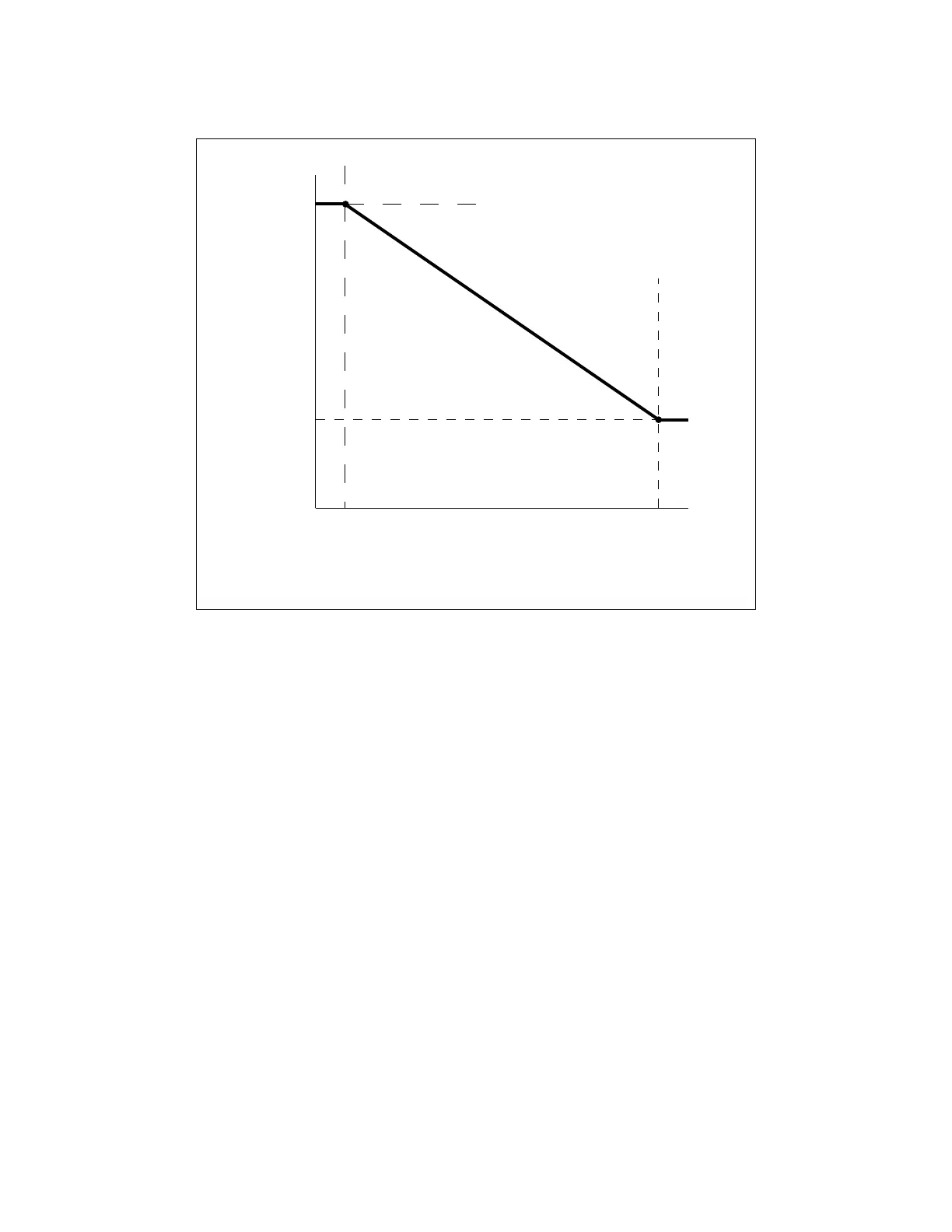
Figure 7 - ODR Curve
0 20406080
40
60
80
100
120
140
160
180
Low Water Temp.
Max. Outdoor Temp.
Min. Outdoor Temp.
Setpoint
Outdoor Temp. Deg F
Deg F
Setpoint
SEE NOTE
NOTE: A ‘Minimum boiler water temperature’ parameter is available which sets
an absolute lower limit to the ODR setpoint. The slope of that portion of the ODR
curve above the minimum setpoint is not affected.



 To Next Page