User's Manual
86
Procedure
Step 1 Select
Main Menu
>
DISPLAY
>
Display
.
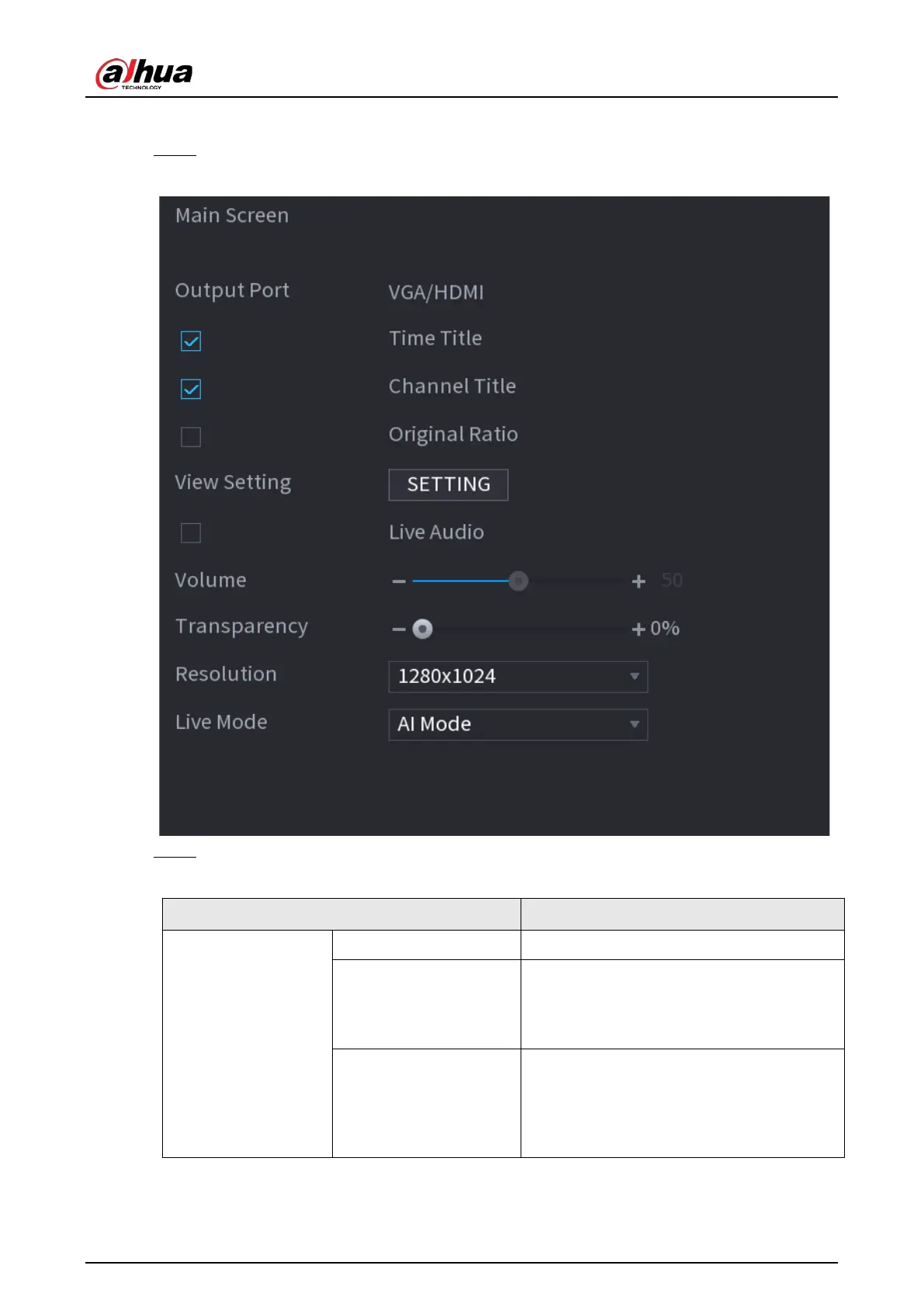
Figure 5-43 Display
Step 2 Configure the settings for the display parameters.
Table 5-16 Display parameters
Parameter Description
Main Screen
Output Port Indicates the main screen port.
Time Title
Select the
Time Title
checkbox, the current
system time displays in each channel
window in live view screen. To hide the
time, clear the checkbox.
Channel Title
Select the
Channel Title
checkbox, the
channel name, channel number and
recording status display in each channel
window in live view screen. To hide the
time, clear the checkbox.


 To Next Page
 Loading...

