User's Manual
215
●
If you selected
Human Detection
and
Face Detect
in
Main Menu
>
AI
>
Parameters
>
Video Structuring
, and there is any human face appears in the video, there will be extra face
features displayed in the results.
4. Select one or multiple results, and then you can
●
Click
Export
to export them to the USB device
●
Click
Backup
to make backup in the DVR
●
Click
Lock
so that they don't get overwritten or deleted
●
Click
Add Tag
to name them as needed.
Non-motor Vehicle Detection
1. Select
Main Menu
>
AI
>
AI Search
>
Non-motor Vehicle Detection
.
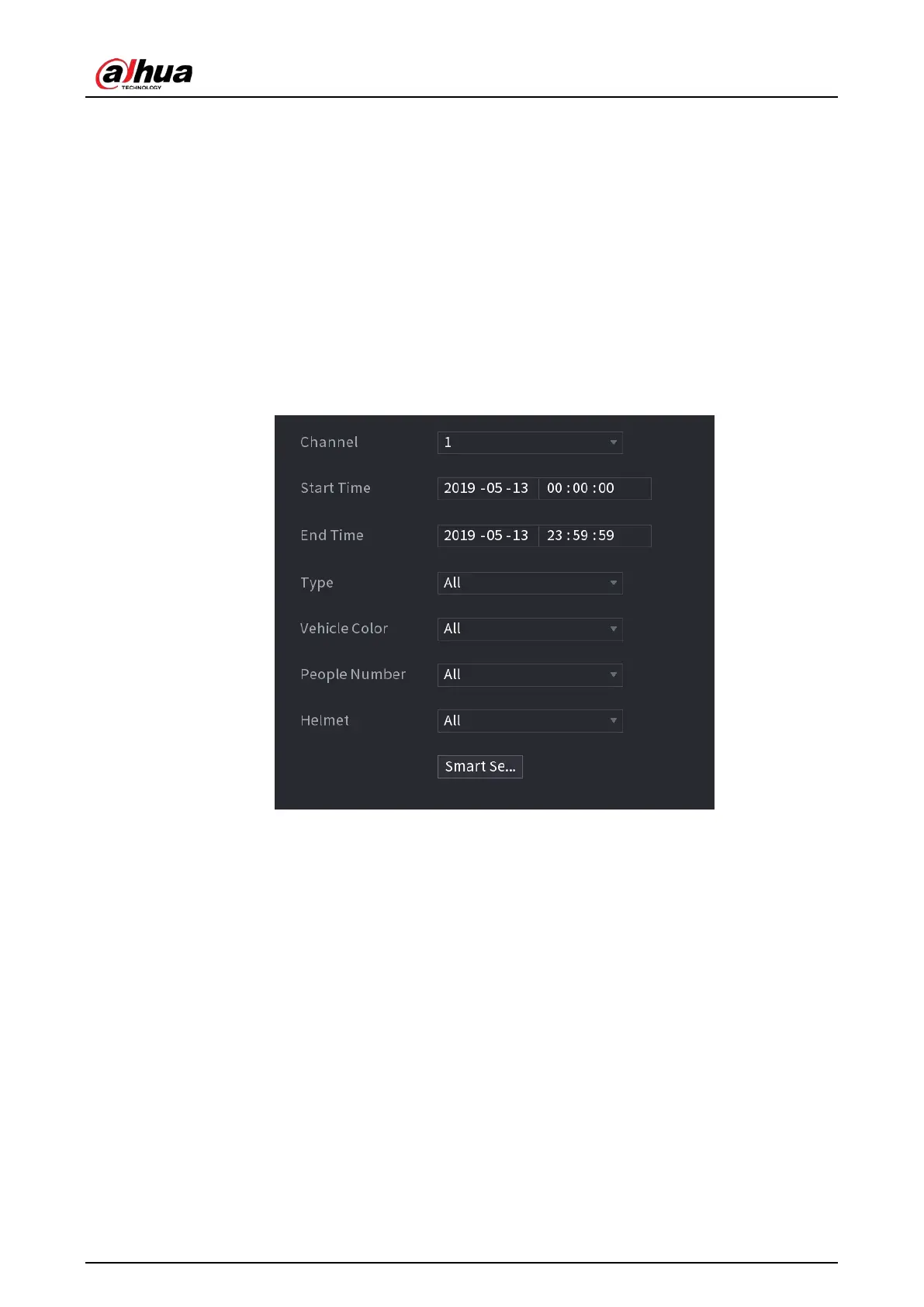
Figure 5-176 Non-motor vehicle detection
2. Select the channel and the time, and then select one or multiple features.
3. Click
Smart Search
.


 To Next Page
 Loading...

