2.10.1 <BFLEAK>A — Password VIEW/CHANGE
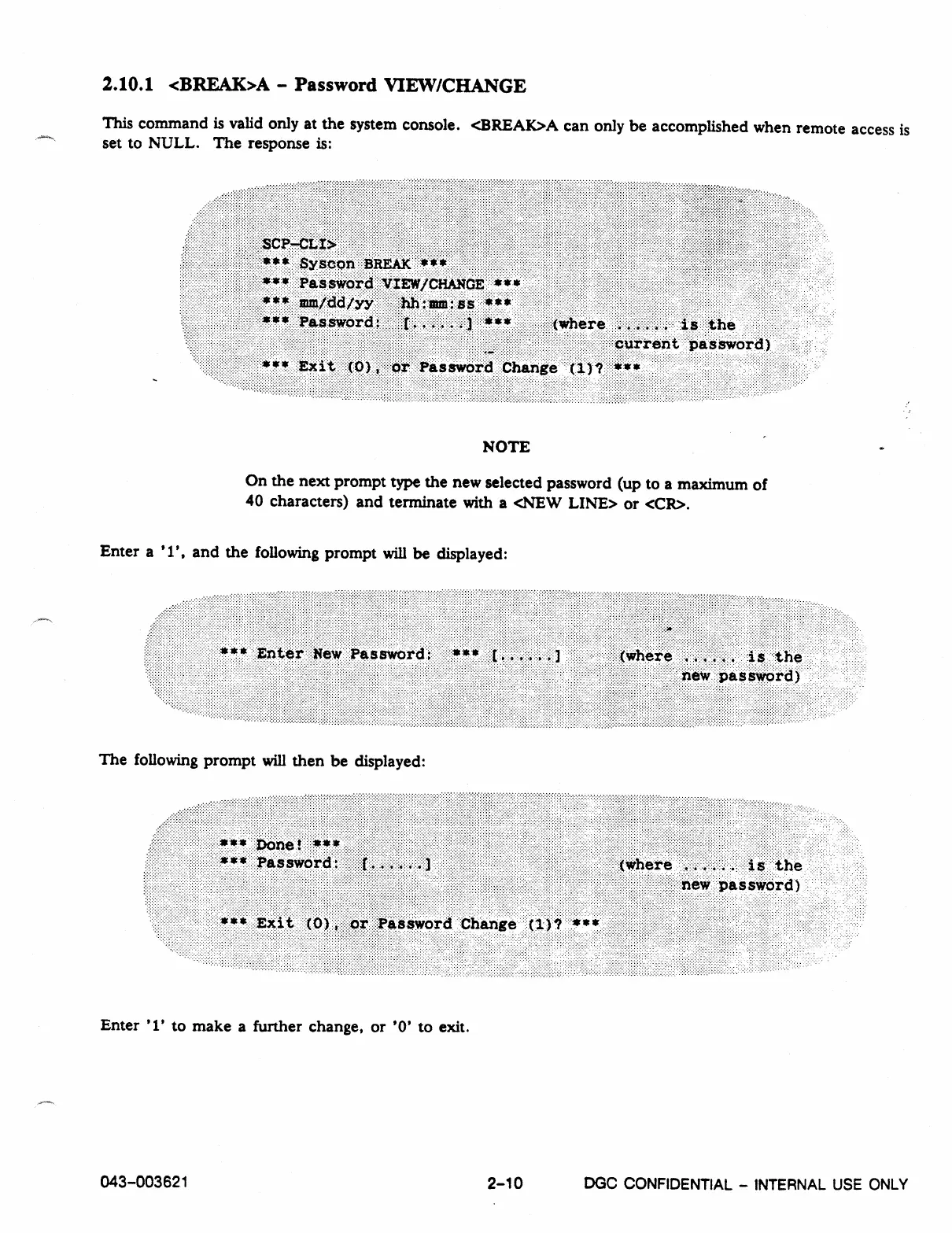
This command is valid only at the system console. <13REAK>A can only be accomplished when remote access is
set to NULL. The response is:
NOTE
.
On the next prompt type the new selected password (up to a maximum of
40 characters) and terminate with a <NEW LINE> or <CR>.
Enter a '1', and the following prompt will be displayed:
The following prompt will then be displayed:
Enter '1' to make a further change, or '0' to exit.
043-003621
2-10
DGC
CONFIDENTIAL - INTERNAL USE ONLY



 To Next Page