7. Maintenance and Service AUSTROMAT
®
664 iSiC
®
/ 674 baSiC
2
114 Operating Instructions (Version 03/2018)
Change the CCF
Proceed as follows to change the CCF:
1. In the "Setup" menu, select the program "Temperature calibration", see section 5.8.3.4).
2. Click on the i
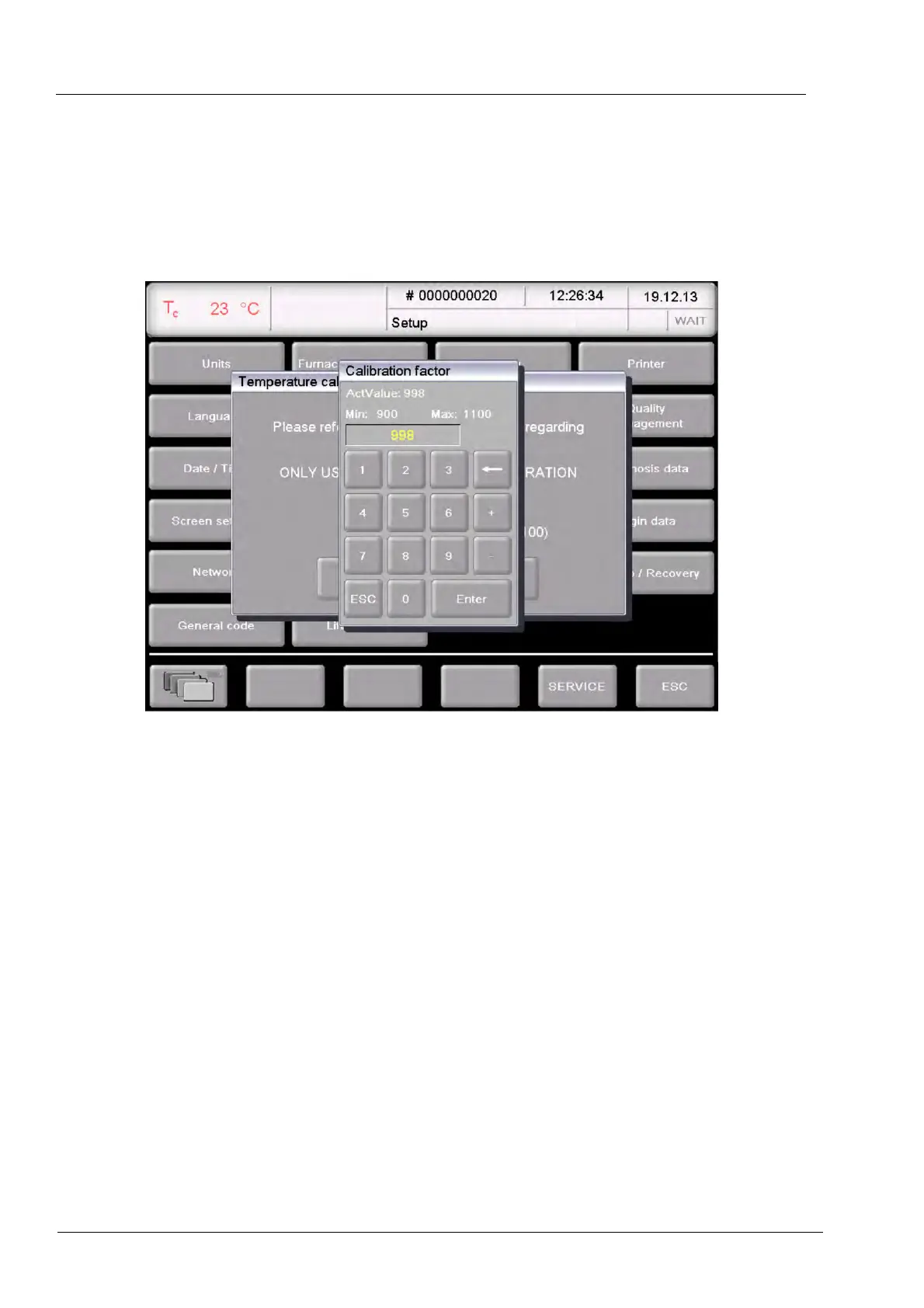
nput field for the CCF. The numeric keyboard window "Calibration factor"
appears, see following figure.
Fig. 7-4 Changing the CCF
3. Enter the new value for the CCF.
• Increasing the CCF by one point results in an increase of the firing temperature by
1 °C,
• Reducing the CCF by one point results in a decrease of the firing temperature by 1 °C.
If there are very large or sudden deviations from the original CCF, check for technical faults,
and inform your service partner.



 To Next Page