7. Maintenance and Service AUSTROMAT
®
664 iSiC
®
/ 674 baSiC
2
118 Operating Instructions (Version 03/2018)
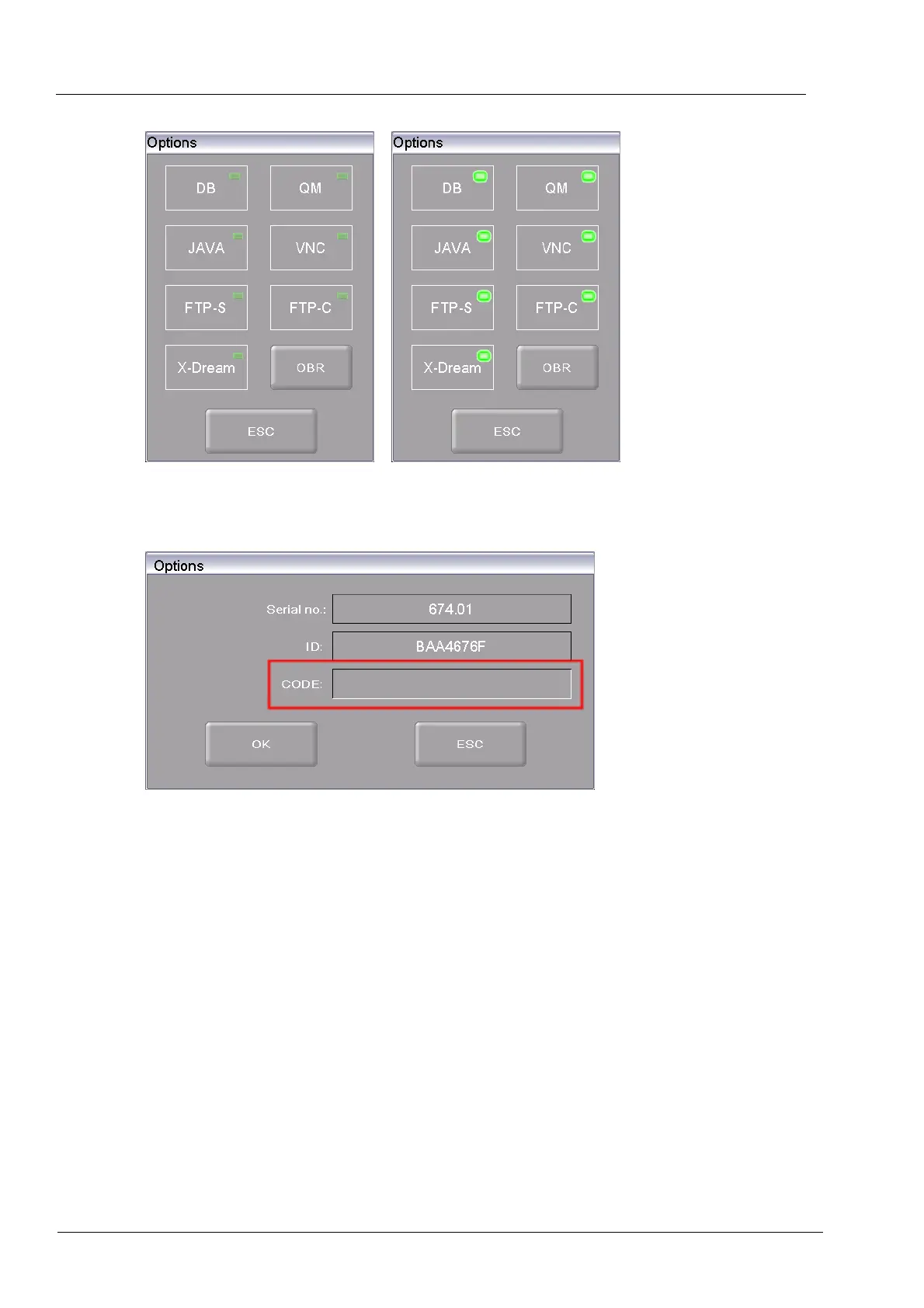
Fig. 7-6 "Options" window, to the right with enabled options
4. Click on [OBR] (One Button Release). This opens the input window for the enabling code.
Fig. 7-7 Input window for the enabling code (example)
5. Enter the correct enabling code in the "CODE" field, and click [OK].
The buttons for the options are activated in the "Options" window (see Fig. 7-6, right). The
functions are available for t
he firing furnace.



 To Next Page