Part II: Settings and Measurements
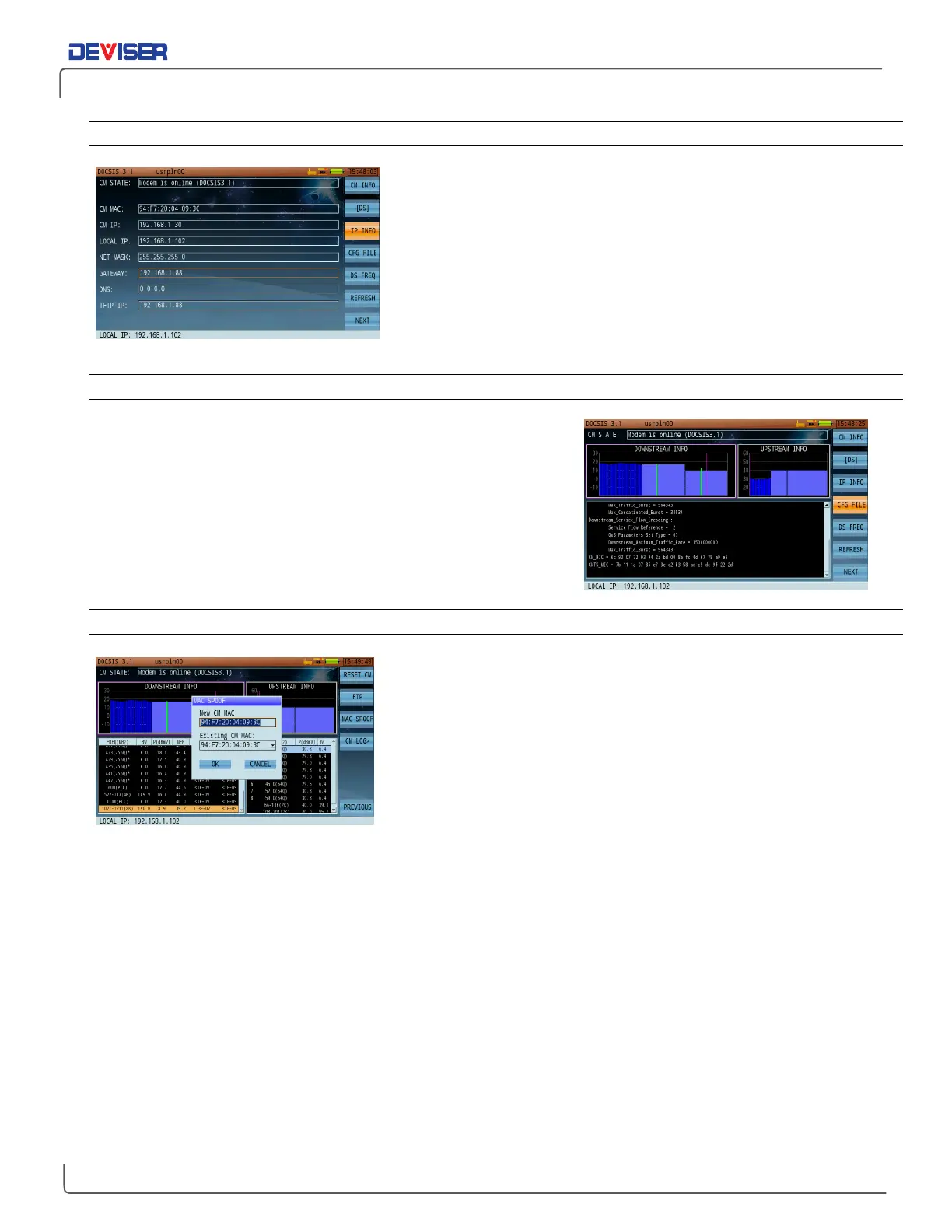
15-2.2 Cable Modem IP Details
Once the CM has registered, press
IP Info
(F3) to show the
following network details: MAC address, CM IP address, local IP
address (DS2831's IP), subnet mask, default gateway, DNS, and
TFTP server IP address.
In this interface, press the rotary knob to access the PING
measurement interface and measure the connectivity of the
selected IP address, as shown.
15-2.3 Cable Modem Config (Profile) Info
To confirm the configuration files sent by the CMTS, press
CFG File
(F4) once the CM is registered.
If the Cable Modem registration fails, press
Refresh
(F6) to restart
the registration process.
15-2.4 MAC Spoofing
If your network does not have BPI+ enabled, you may benefit from
the ability to “spoof” a customer’s MAC address during installation.
Press
Next
(F7) and
MAC Spoof
(F3) to modify the MAC address.
You can copy the MAC address from the customer CM MAC that
you are about to install, or that you wish to troubleshoot (left).



 To Next Page