Part IV: System Functions
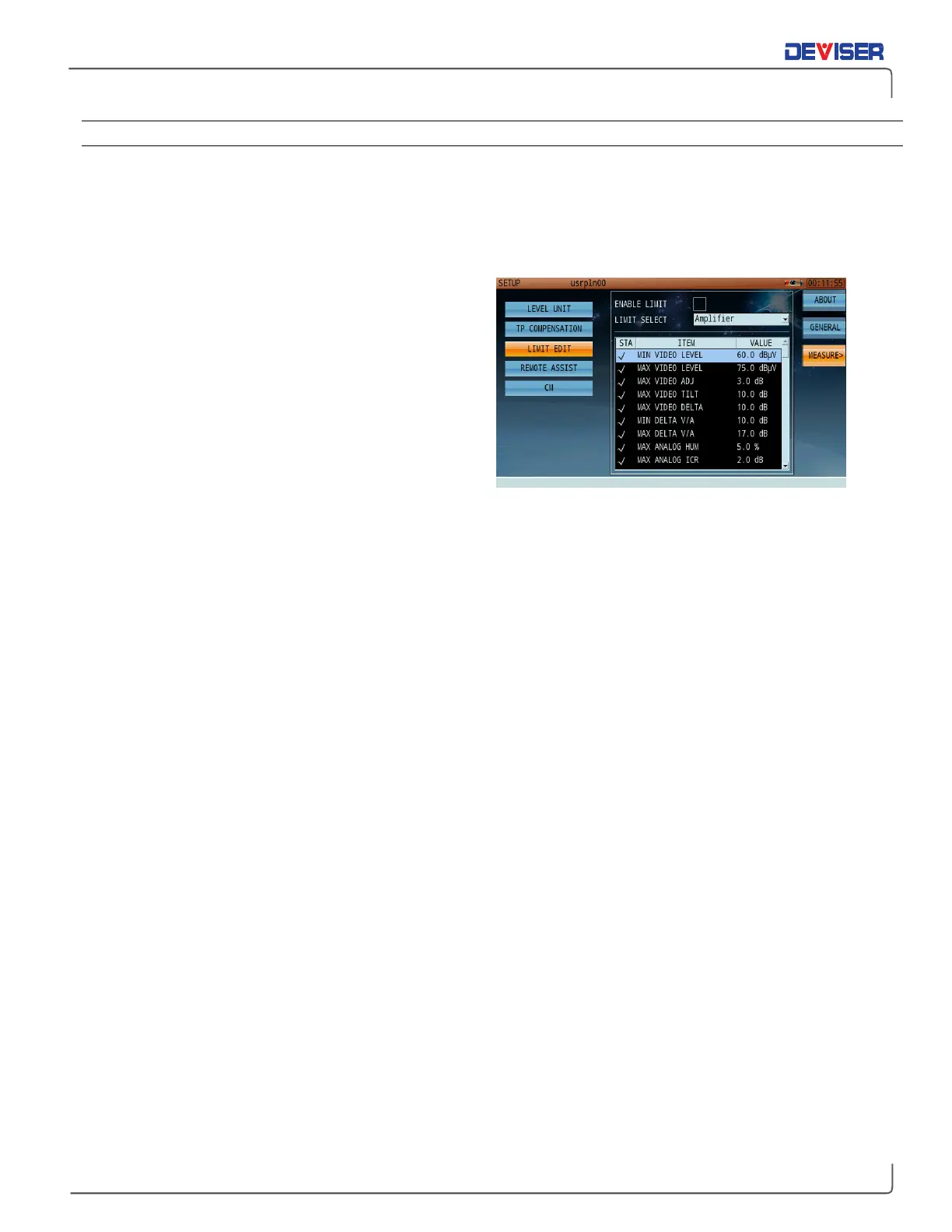
30-3.3 Limit Edit
Limits are user-designated signal thresholds; when a measurement breaks an established limit, the DS2831 will
alert the user by displaying test results in a Pass/Fail format.
From the Limit Edit menu, you can set and modify limit plans on various points of measurement data. The
“Enable Limit” box must be checked for limits to take effect.
The instrument offers 9 default groups of limit settings:
Amplifier, End-of-Line, Ground-Block, Headend, High-
Speed-Data, Line-Extender, Node, Set-Top
and
Tap-
Check
. In addition, there are 7 customizable groups
(titled UserLimit01 – 07) that can be edited to suit your
test threshold needs. Default groups cannot be edited.
Users may activate or deactivate any group or any
individual metric of any limit file. Threshold values of
individual metrics are also customizable. Users can
create new limit files with the Toolbox PC software
included with each unit, and copy them to the DS2831.
Note that new limit files names cannot use the same
names as the 9 default groups; thus, only custom
filenames can be copied to other units.
When modifying limit values, use the function keys on the right to access the following tools:
•
Reset: reverts current limit settings to default values.
•
Ena All: enables all individual metrics in the current limit file.
•
Dis All: disables all individual metrics in the current limit files.
•
Edit: Opens the highlighted metric for editing. Use the keypad, arrow keys, or rotary knob.



 To Next Page