SCIO S ETUP
VF8 DELTA/DELTA XL/KAPPA 23-17
N
2
O Monitoring (Scio Four plus and Scio Four only)
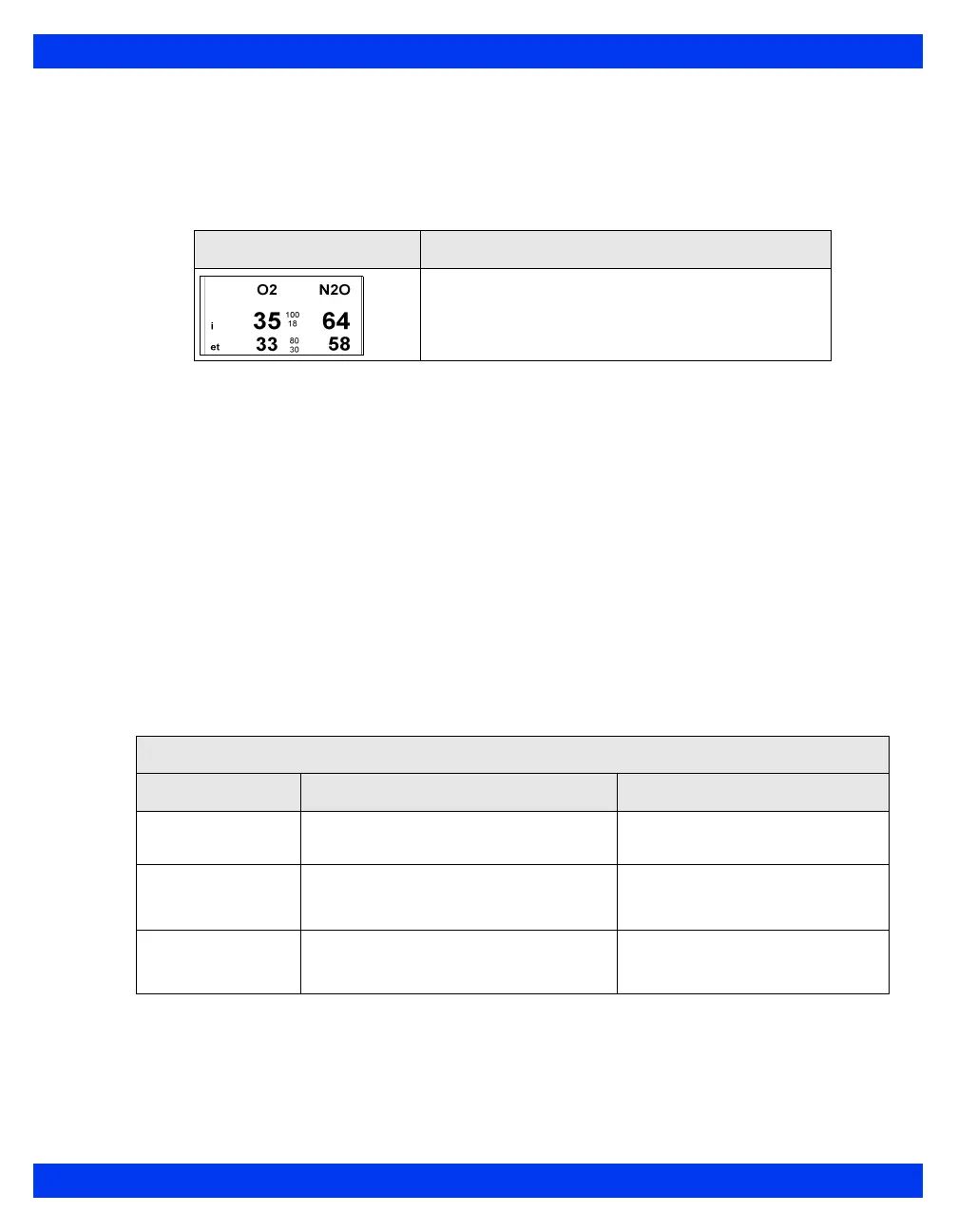
The parameter box can display the current concentration values for N
2
O which is the
concentration of N
2
O in the patient’s airway
A typical N
2
O parameter box display is shown below.
To access the N
2
O setup menu
Click on the N
2
O parameter box
or
1. Press the
Menu fixed key.
2. Click on
Patient Setup.
3. Click on
Parameters to display a list of available parameters.
4. Click on
N2O.
Quick Reference Table – N
2
O Setup
Click on the following items to execute N
2
O setup functions
Parameter Box Description
NOTE: The parameter box does not show N
2
O alarm
limits because N
2
O does not alarm.
N
2
O Setup Menu
Menu Item Description Settings
MultiGas
Parameter
Enables combined MultiGas parameter
box display (see page 23-22).
•ON
•OFF
MultiGas Zero Manually zeroes the Scio module
(parameter values disappear during
zeroing).
Not applicable
Auto Zero Delay Delays automatic zeroing for 5 minutes
for uninterrupted monitoring (see page
23-13 for information)
Not applicable












 To Next Page