USING THE CORE VOCABULARY OVERLAY
ECO Manual
100
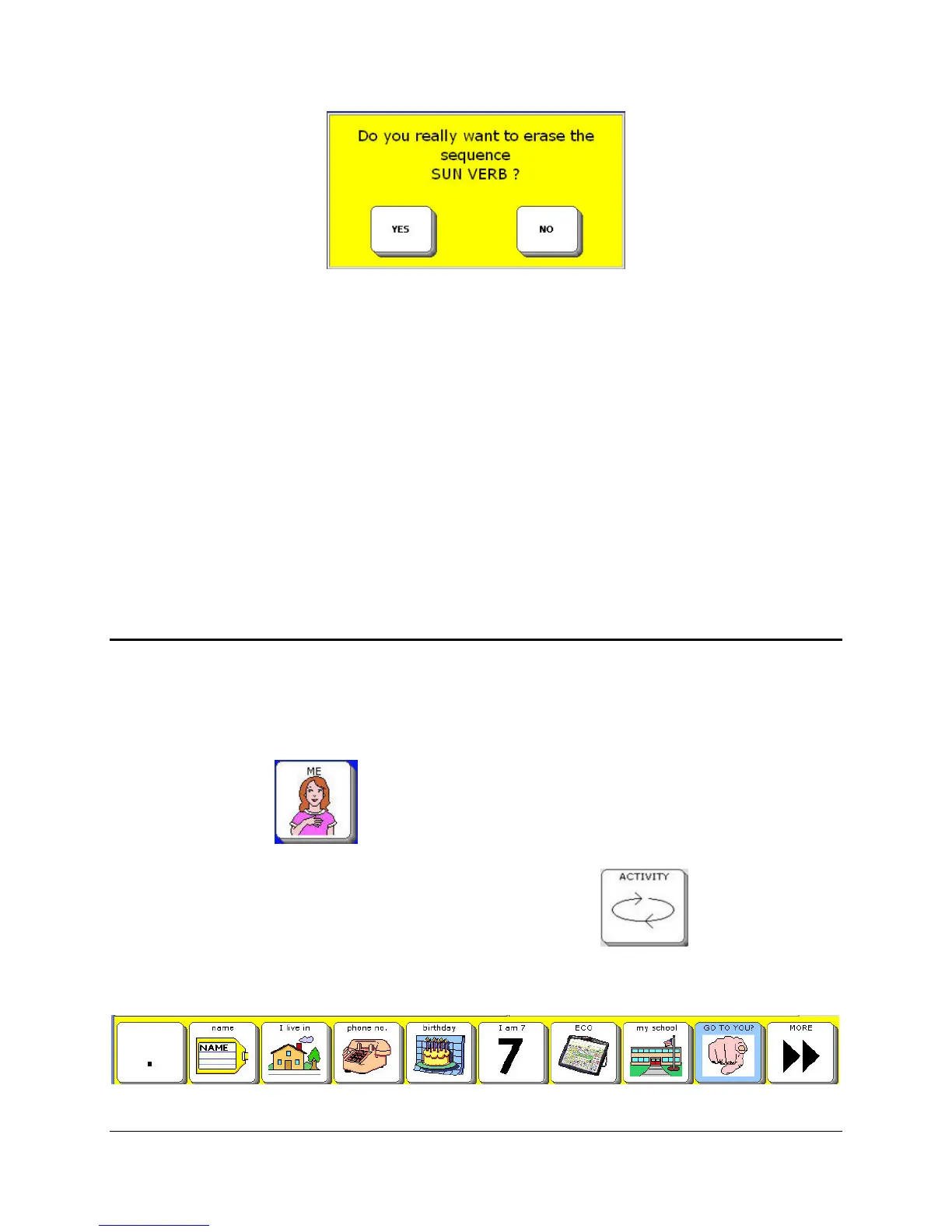
5. If you still want to erase the message, activate YES. If you change your mind, activate NO.
6. The Text Display Area tells you that the sequence has been erased.
You can also erase a message by recording over it. Select STORE CORE in the Toolbox.
Instead of choosing a new icon sequence, select the sequence you want to record over.
You cannot “edit” a recording; you have to either erase it or record over it
Store a Computer Speech Message
To Store a Computer Speech Message
We will add a computer voice message to a blank key in the ME Activity.
1. Select the ME key
from the Activity Row (the top row on your overlay). You see
some of the messages in the ME Activity.
If you do not see the ME key in your Activity Row, select the ACTIVITY key
until you see the ME key.
ME Activity Row



 To Next Page